
Ideas · Configurator
Your product. Their pick.
Visitors put their product together on the screen. The selection goes to their phone by QR code.
The idea
Every variant, without bringing everything.
A configurator shows every variant of your product on the touchscreen, including those that are not at the booth. Visitors choose for themselves. If you bring your configurator as an Android app or web application, it runs in kiosk mode. On request, we build it.
Why it works.
- The booth shows more variants than fit on it.
- Visitors who choose for themselves engage with the product.
- The selection is the way into the consultation.
How it works
In four steps.
- 1
Data
You supply variants, images and copy.
- 2
Application
You bring it. On request, we build it in your design.
- 3
Show
Kiosk mode: visitors see only the configurator.
- 4
Take away
The selection goes to the phone by QR code.
Questions
Quick answers.
Will our existing configurator run?
As an Android app or web application, yes. We set it up in kiosk mode.
Does it work in a showroom too?
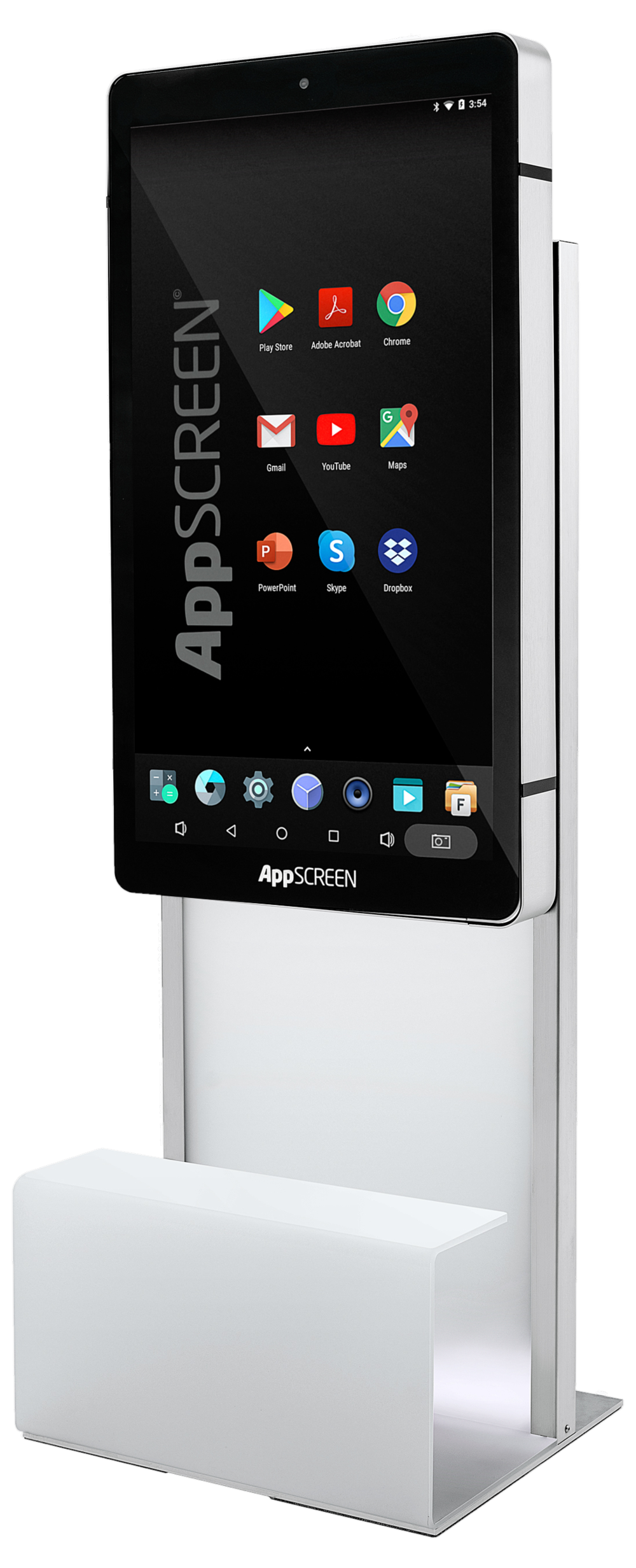
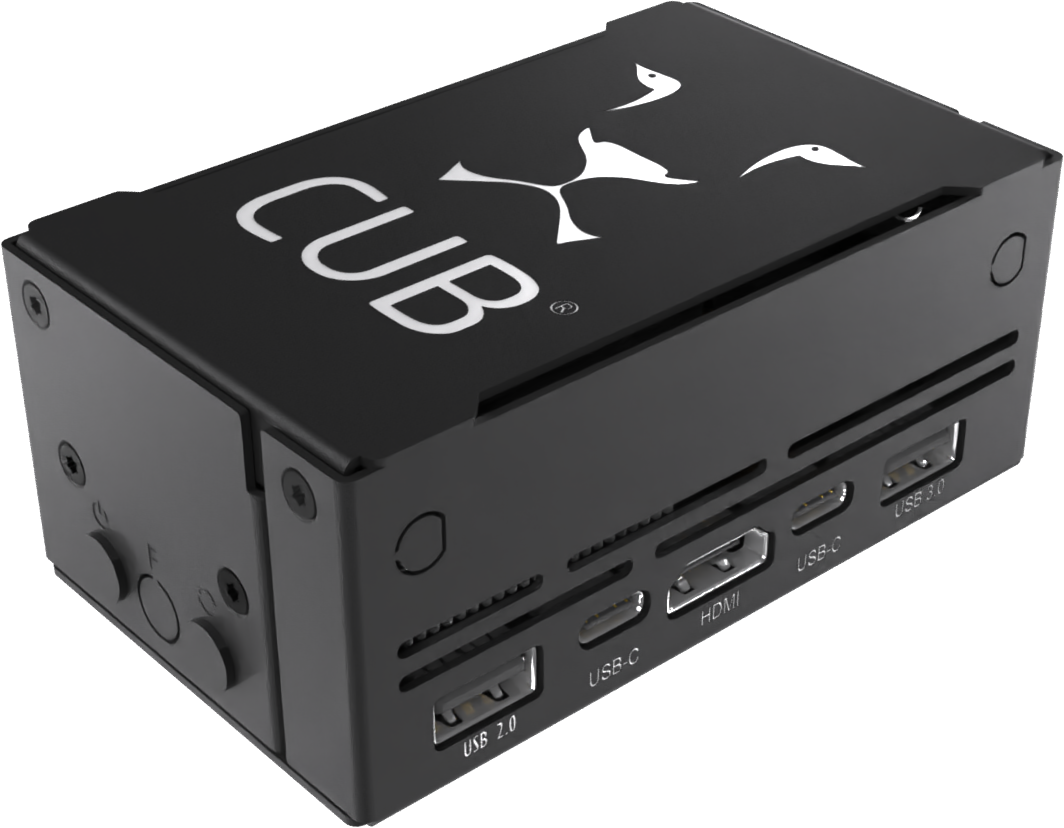
Yes. For permanent use you can buy the stele, Wall or CUB.
How does the selection reach the visitor?
By QR code to their phone, for example. You decide what is handed over.
More ideas
More ideas for your booth.
- Runs on Wall · neo · CUB
Lead capture
Capture contacts digitally. With consent, without the stack of business cards.
- Runs on neo · Wall · CUB
Trade show quiz
A few questions, one result. The way into a conversation at your booth.
- Runs on neo · Wall · CUB
Booth game
One short round, one daily high score. A reason to stop.
Inquiry
Your idea is not here yet? Let us build it.
Tell us what your visitors should experience at the booth. We get back to you within 24 hours with a proposal for format and technology.