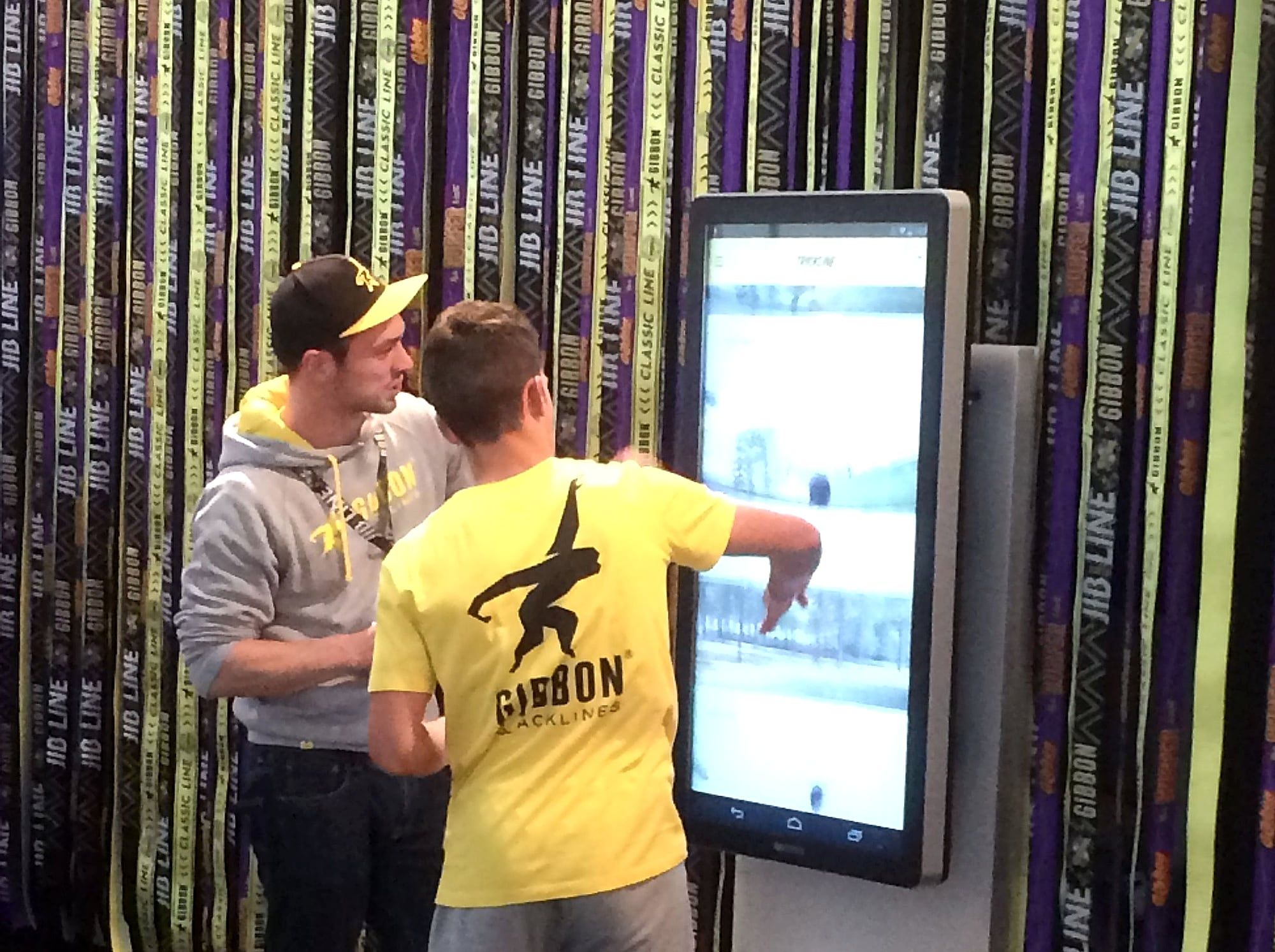
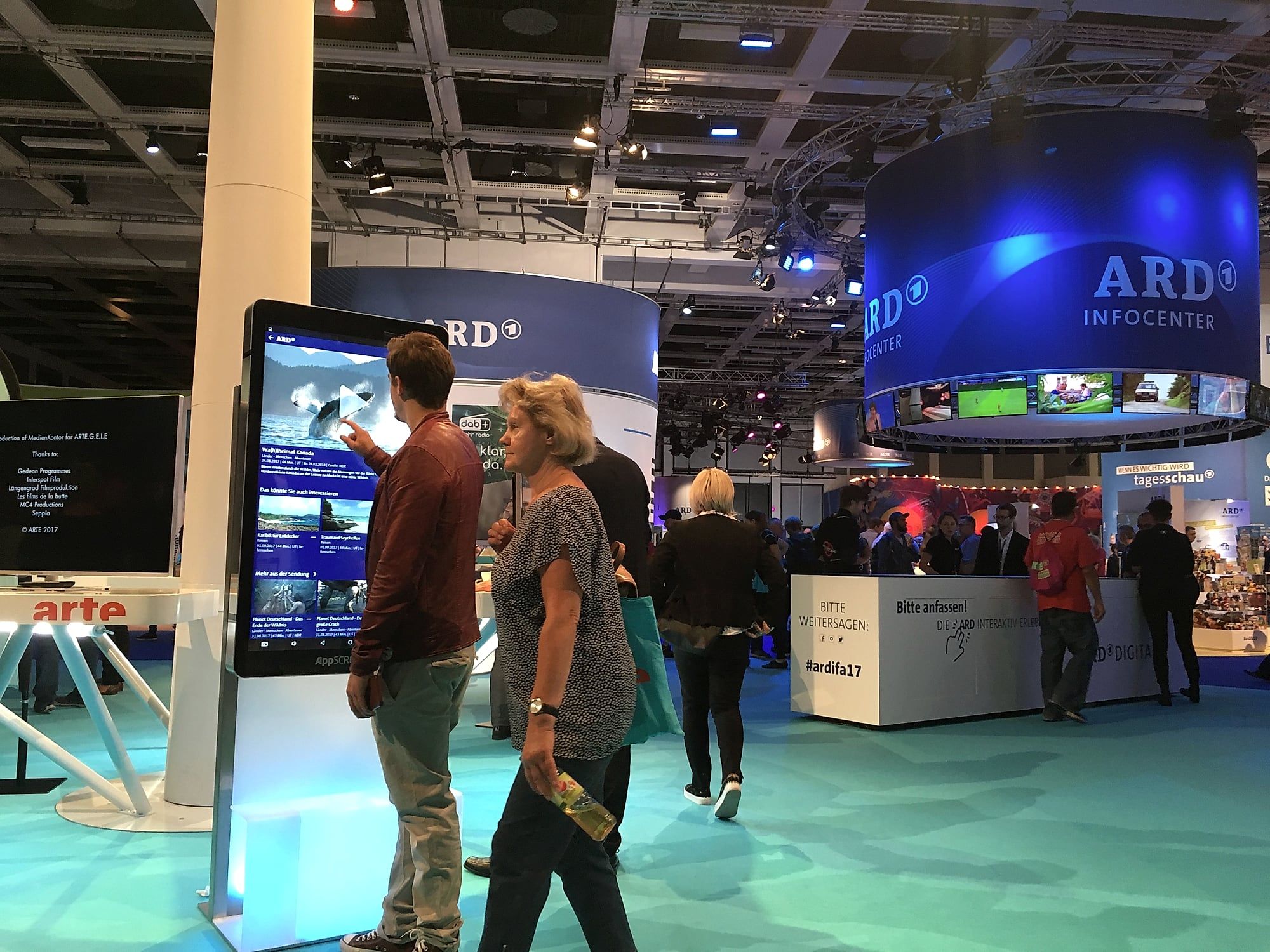
App showcasing with a giant tablet
Why an ordinary tablet is too small to present an app, how app showcasing works on AppSCREEN® and what to keep in mind.
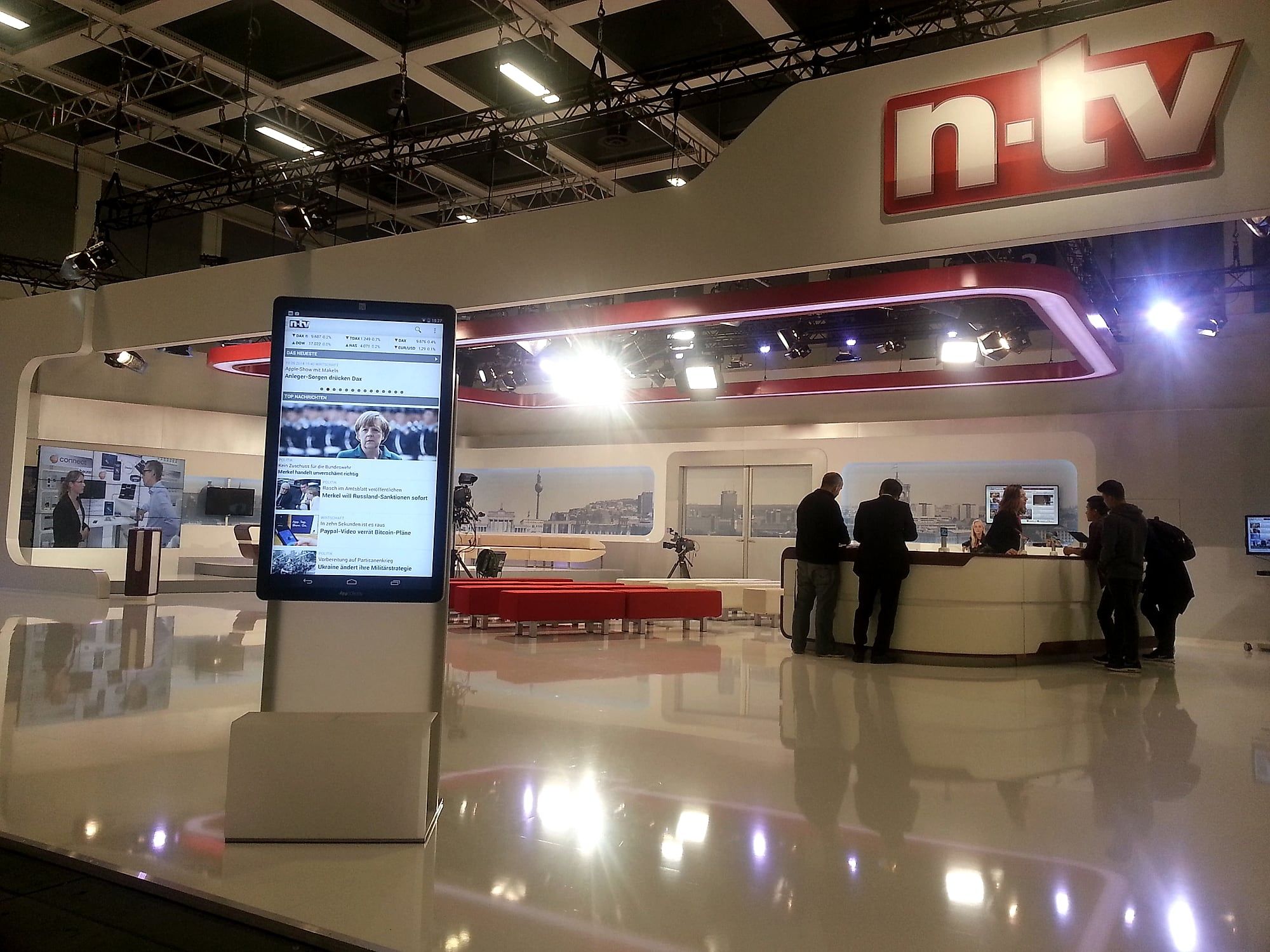
Apps are part of everyday life. Companies invest heavily in their development. That makes the question of how an app is presented on site all the more important: at trade shows, in showrooms, in retail. A tablet in the hand is enough for a conversation between two people. For an audience it is too small.
How can companies present their apps?
App showcasing means showing an app live to potential users and letting them try it. Trade shows, events and retail are particularly suitable because the target audience is already there.
A normal tablet sets tight limits. Its size alone restricts how many people can watch at the same time. AppSCREEN® is the alternative: an Android tablet with a 46-inch display, almost two metres tall, rotating between portrait and landscape. It does exactly what the small tablet does, with the same functions and the same access to Google Play. Except everyone at the booth can watch.
What is app showcasing on AppSCREEN®?
The app is installed directly from Google Play or as your own APK and runs natively. No emulator, no mirroring from a smartphone, no system within a system. Visitors operate the app themselves, at scale, with multitouch.
This has two effects. First, the app looks the way it looks on users’ smartphones, only larger. Second, trying it out becomes a demonstration because other visitors can watch.
Why app showcasing on AppSCREEN® makes sense
- Reach. An app two metres tall reaches a wide audience, not just the person holding the tablet.
- Direct feedback. Users test the app on site and give feedback that can flow into further development.
- Unfiltered impression. Potential customers experience the use case themselves instead of having it explained.
- Familiar operation. The interface is Android. Nobody needs an introduction.
What to keep in mind
- Place and time. Choose a spot where the target audience is and plan for peak visiting hours.
- Presentation. Use the rotation: landscape for videos and landscape views, portrait for the app itself.
- Entry. The app should show something useful immediately, without login and without onboarding. A demo account or guest mode helps.
- Kiosk mode. Lock access to system settings and other apps so visitors do not accidentally leave the presentation.
- Staff. The display attracts visitors. Someone should lead the conversation that follows.
Conclusion
App showcasing on a giant tablet turns an app into an experience that several people can share at the same time. It is the most direct way to show the value of an often expensive development.
Want to see your app at scale? We bring AppSCREEN® to you and install your app on site.
Quick answers.
Does my app run on AppSCREEN® without changes?
Yes. The app is installed from Google Play or as your own APK and runs natively, without an emulator and without mirroring from a smartphone.
Portrait or landscape?
Both. AppSCREEN® rotates by 90 degrees: portrait for the app itself, landscape for videos and wide views.
How do I stop visitors from leaving the app?
With kiosk mode. It blocks access to system settings and other apps.