Creative trade show booth ideas: 9 activities
Nine trade show booth ideas with a touchscreen, most from real events. With a table showing the effort per idea and tips for your own booth.
Creative trade show booth ideas are activities in which visitors do something themselves: tap, choose, listen, play or sign up. Here are nine ideas with a touchscreen, most of them from our own events, each with the effort involved, suitable content and a tip for your own booth.
Why do interactive activities work at a booth?
Our experience from many trade shows: people who touch, stay. Anyone who taps, swipes and chooses spends more time with your product. Anyone who stays longer at the booth gives your team the chance of a conversation. And anyone walking past sees people in action, takes a look and joins in.
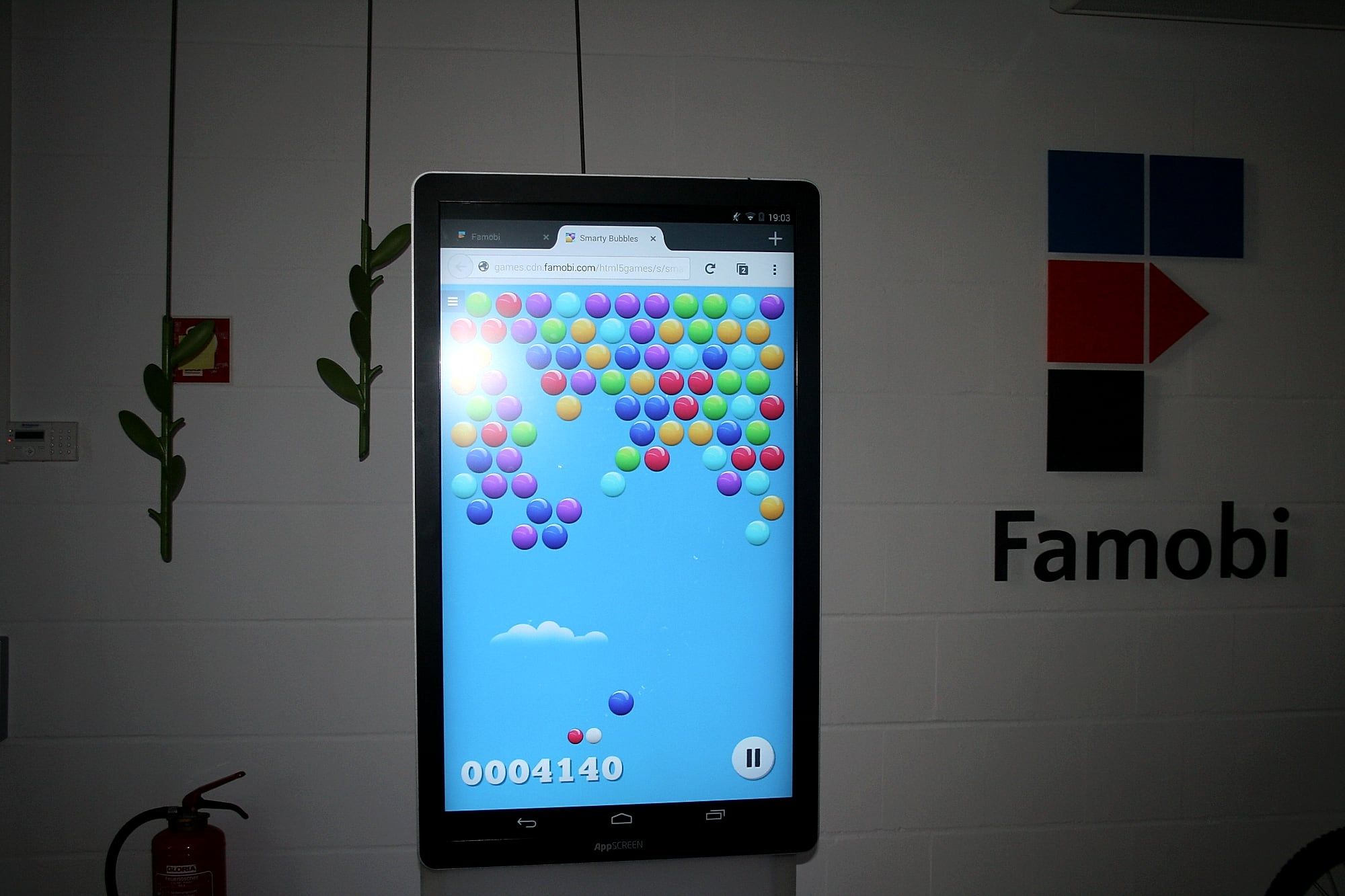
We have seen this ourselves at our own trade shows. During quiet hours, we played a game on the stele. Shortly afterwards, other people were standing next to us and playing along.
What trade show booth ideas are there at a glance?
| Idea | You need | Effort | Suits |
|---|---|---|---|
| Headphones at the stele | App or film with sound | low | Media, music, product film |
| Questionnaire in the foyer | Form | low | Reception, partner event |
| Exercises and instructions | App or videos | low | Sport, tools, technology |
| Game with a high score | Game | medium | Booths with lots of passing traffic |
| Hands-on presentation | PowerPoint or PDF, film | low | Talk, small event |
| Information for everyone | Web application or app | medium | Foyer, hall, station |
| App in the booth design | Your app | low | App providers, start-ups |
| News and live content | App | low | Media, studio, lounge |
| Catalogue to browse | low | Manufacturers, retail |
1. Headphones at the stele: how do you make an app audible?
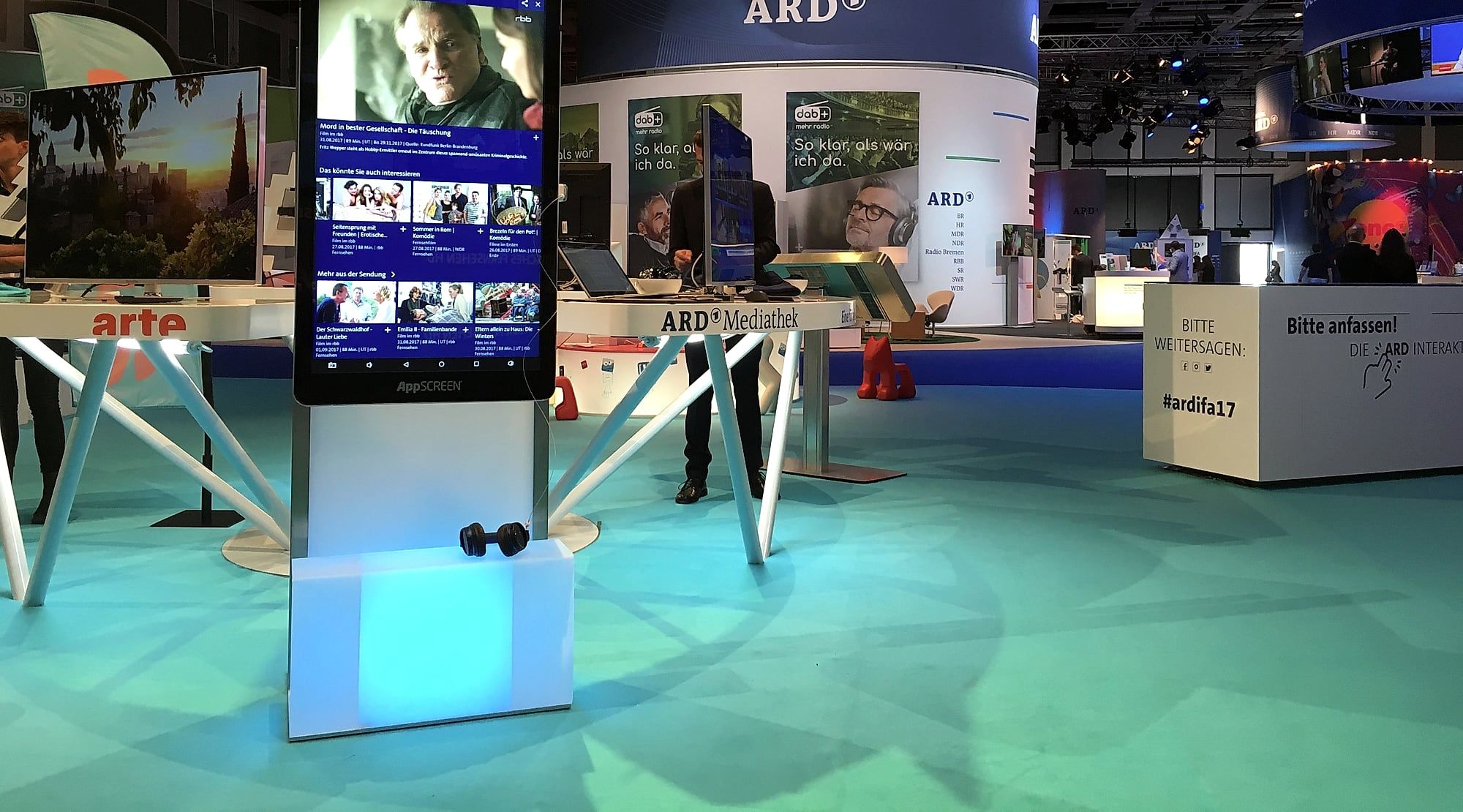
A trade show hall is loud. The sound of an app or a film gets lost there. At a large technology trade show, three AppSCREEN® steles stood at one booth. They ran the exhibitor’s apps, and headphones were connected to the steles. Visitors tapped their way through the app, put on the headphones and heard the sound clearly, in the middle of the hall.
How to do it: Connect headphones via Bluetooth or by cable to the headphone jack on the back of the stele. Place them within reach on the base and keep cleaning wipes handy. At a quiet booth, the two built-in speakers with 5 watts each are enough. For a larger audience, the sound goes to a PA system.
2. Questionnaire in the foyer: how do guests sign up themselves?
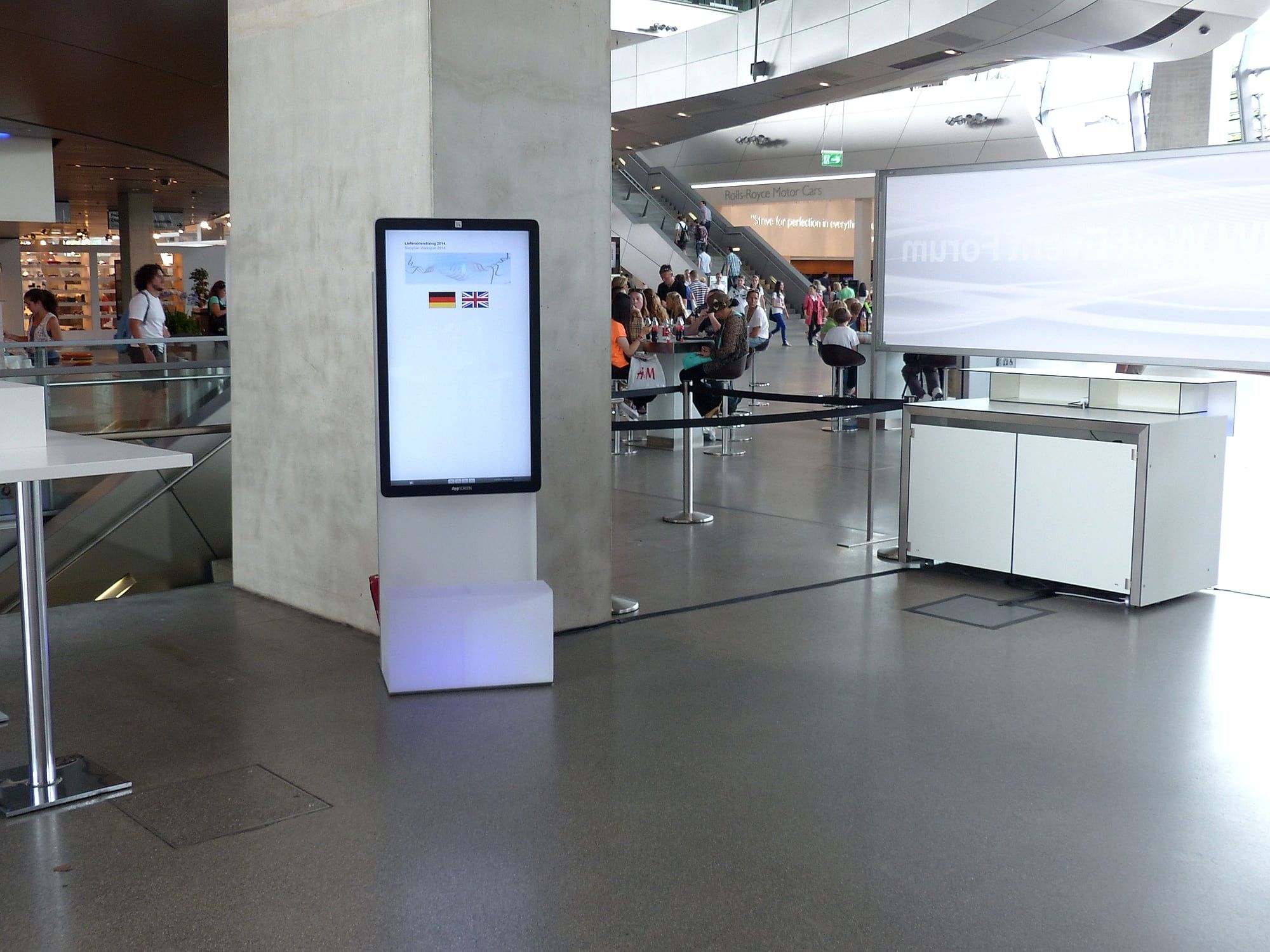
At an event for business partners, the stele stood in the foyer. Guests chose their language, filled in a questionnaire on the screen and signed up.
How to do it: Keep the form short. Only ask for what you will really use after the event. If you collect contact details, consent is part of it. You can read more in the article Capture leads at trade shows digitally.
3. Exercises and instructions: how does an app show the product in action?
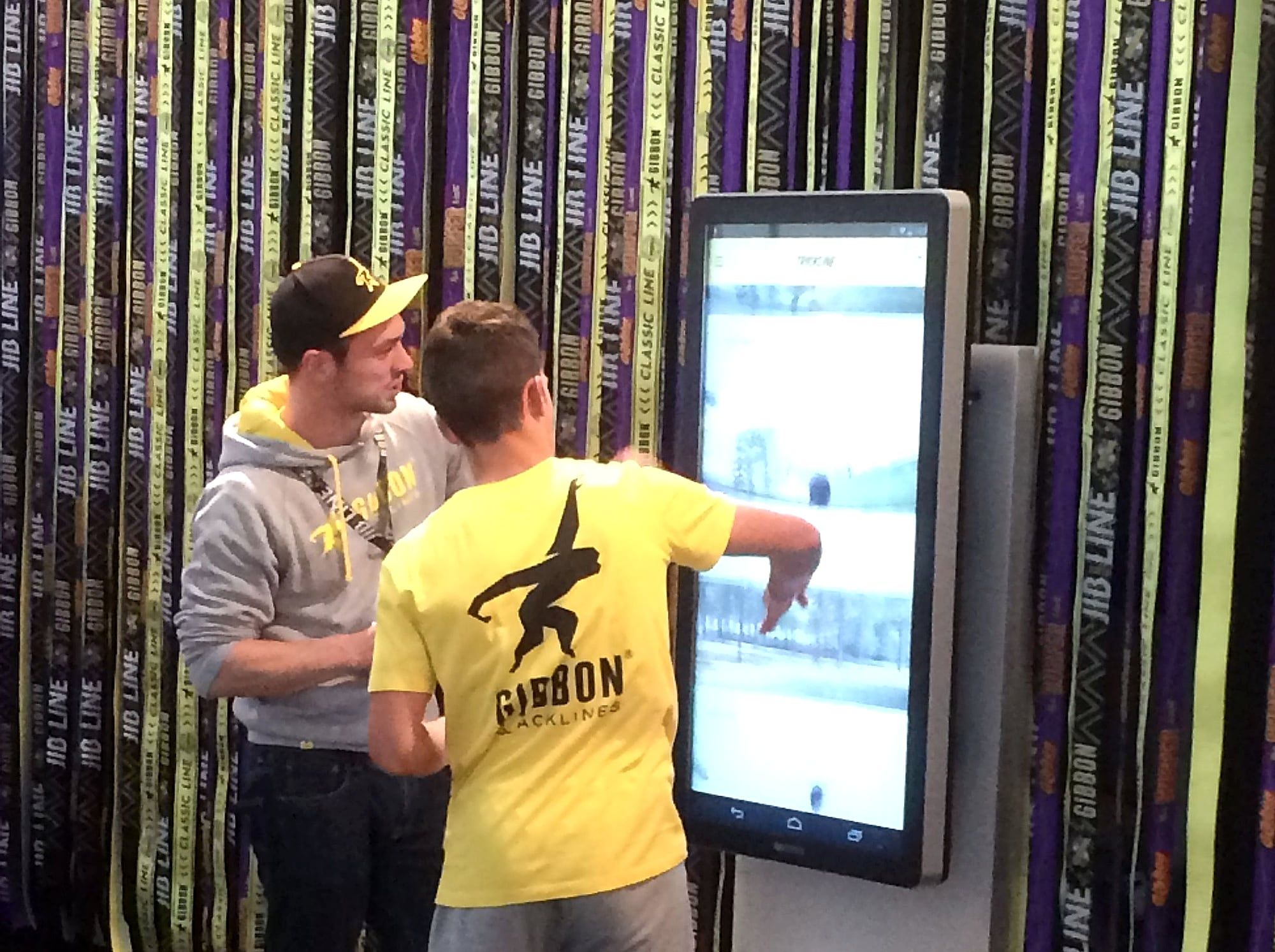
At a sports trade show, a sporting goods manufacturer showed an app with exercises for its product. The screen hung right next to the product, and visitors could try it out at the booth.
How to do it: The idea suits anything you only understand once you see it in motion: sports equipment, tools, machines. Put the screen where the product is.
4. Game with a high score: how does a game keep visitors at the booth?
A short game gives visitors a reason to stop. A daily high score on the screen is a reason to come back. At a games fair, the stele ran a game with colourful balls.
How to do it: Keep each round short so that lots of people get a turn. Turn the screen towards the aisle. You will find the formats in the article Trade show gamification.
5. Hands-on presentation: how does a talk become a conversation?
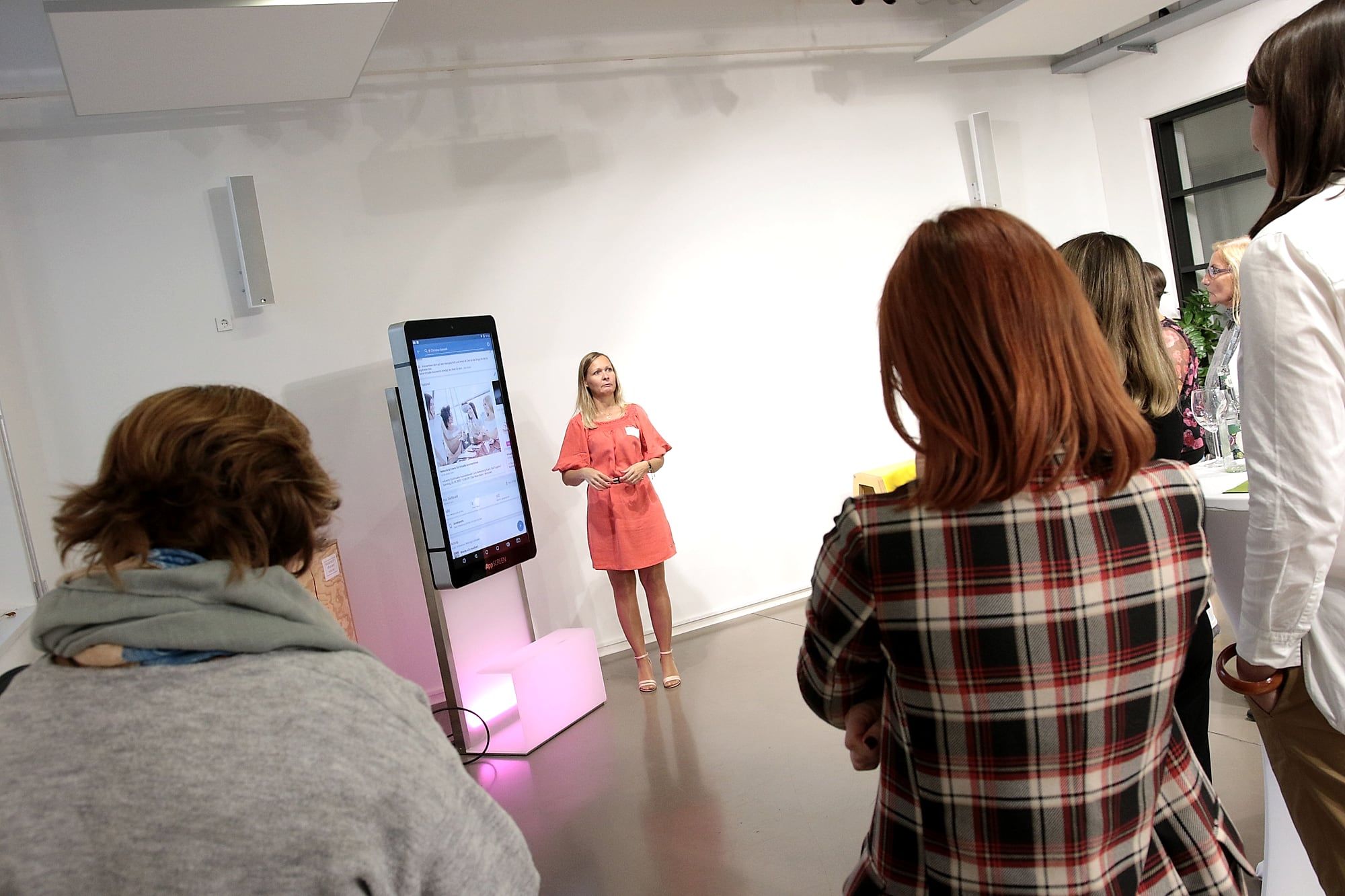
At a small event, the speaker showed her PowerPoint presentation on the stele, followed by a film. She stood next to the screen and guided the guests through her slides.
How to do it: PowerPoint and PDF run on the AppSCREEN® just as they do on a tablet. In portrait mode, the presentation is at eye level; for the film, you rotate the screen by 90 degrees to landscape.
6. Information for everyone: how does a stele become a meeting point?
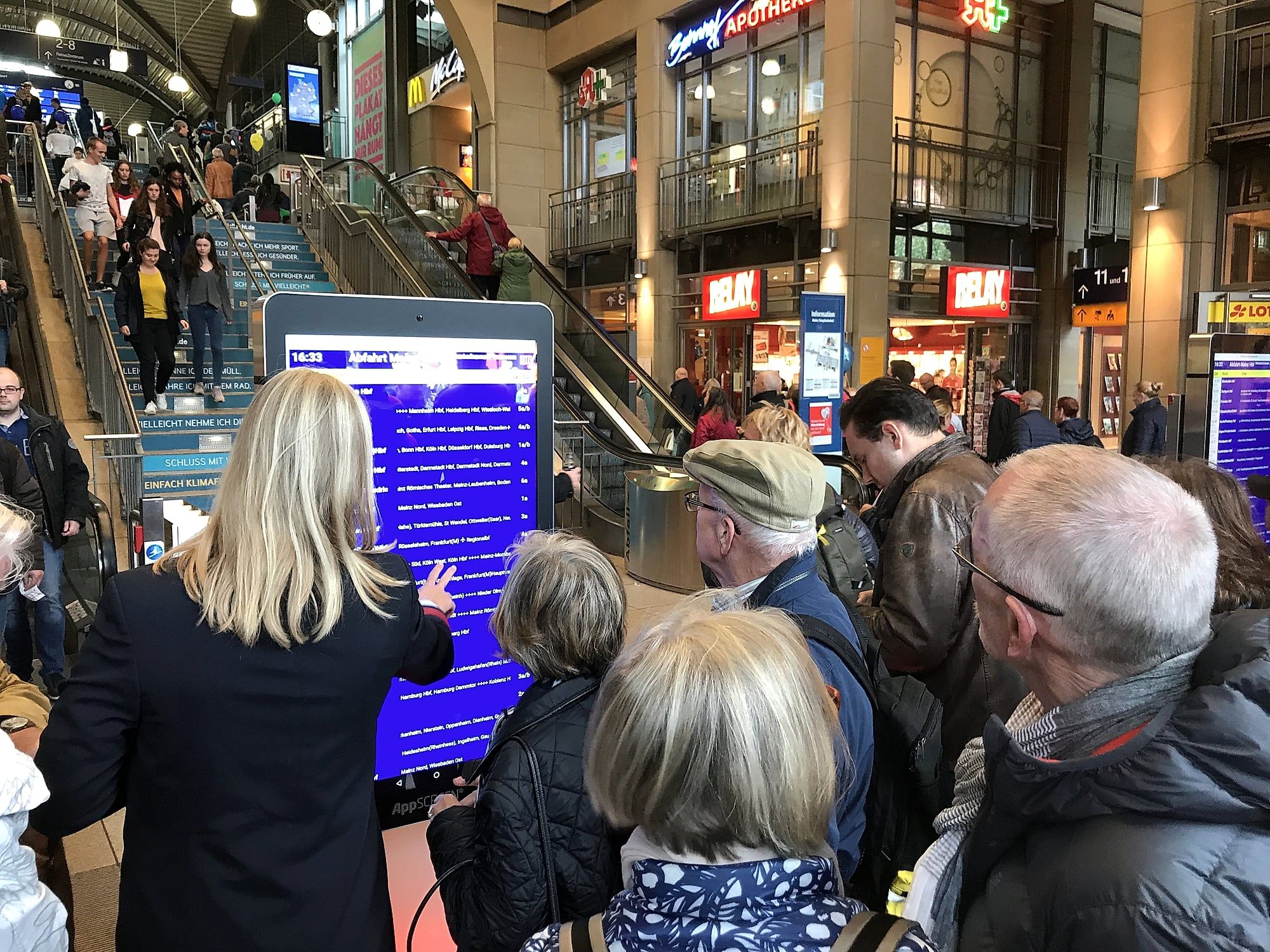
In a station concourse, steles showed the departure board. In the photos, travellers stand in groups in front of them. Information that many people need at the same time turns the screen into a meeting point.
How to do it: At a booth, this could be the hall plan, the programme of talks or an overview of your products. What matters is a font that can be read from a few metres away.
7. App in the booth design: how does the app take centre stage?
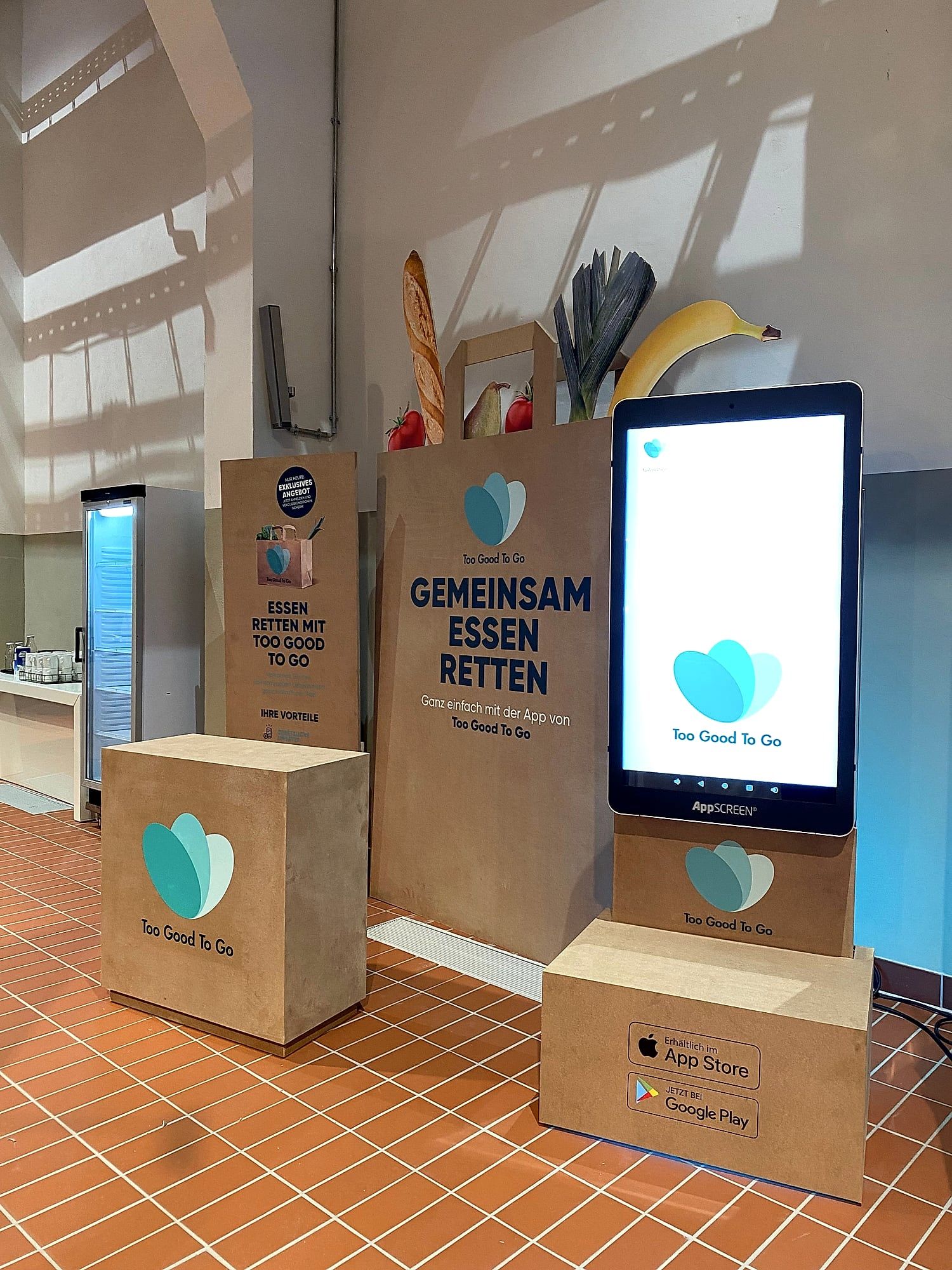
An app provider built the stele into the set of its booth. All around stood displays in the brand’s design, with the app running in the middle.
How to do it: The app runs just as it does on a phone, only at 46 inches. More on this in the article App showcasing on a giant tablet.
8. News and live content: what runs when nobody is tapping?
In a news studio, the stele served as a display for information and for interactive presentations. The screen ran the broadcaster’s news app. Content that changes constantly gives visitors something new every time they look.
How to do it: Show what is current: news items, dates, the standings of a competition. Kiosk mode makes sure visitors stay in your application.
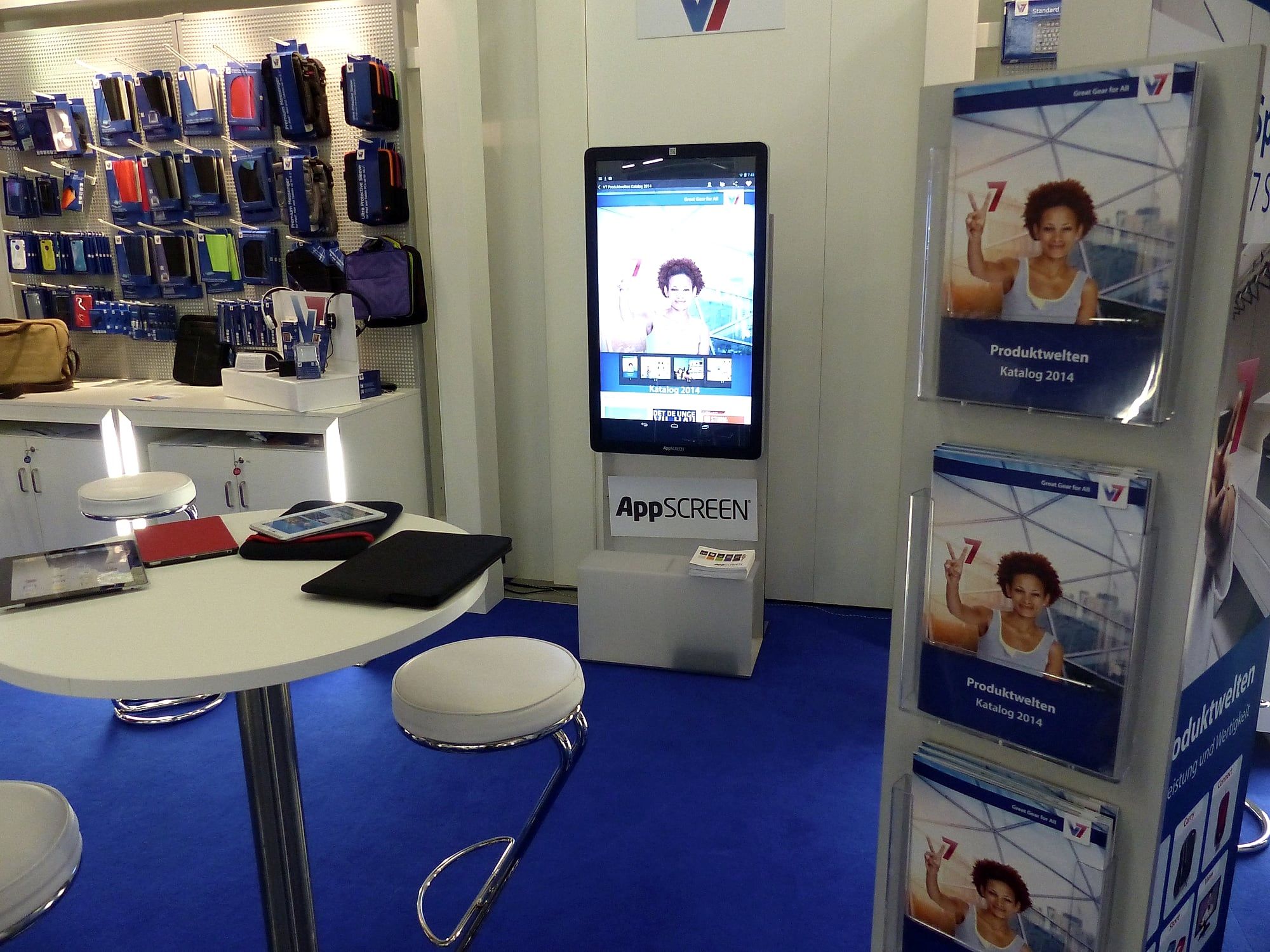
9. Catalogue to browse: how does a PDF replace the pile of brochures?
Catalogue, brochure or presentation sit on the stele as a PDF. Visitors swipe to the next page and zoom in where it gets interesting. Everyone at the booth can read along.
How to do it: You bring the PDF. A catalogue with large images and little text per page looks good at 46 inches.
How do you choose the right idea for your booth?
- Start from your goal. Do you want contacts, conversations or attention? For contacts, the questionnaire fits; for attention, the game.
- Use what you already have. App, PDF, film or presentation are a quick route.
- Think about the location. The screen belongs by the aisle, visible to everyone walking past.
- Plan for your team. The screen attracts visitors. A person leads the conversation.
What hardware do you need?
All nine ideas run on the same system: Android 14 with Google Play, operated like a tablet. The AppSCREEN® neo is a free-standing 46-inch stele, the Wall hangs on the wall, and the CUB turns your own touch monitor into a tablet. You can rent or buy everything.
Conclusion
A good trade show booth idea gives visitors something to do. Most of the ideas on this list work with content you already have. Start with one and put it where people walk past.
Have an idea for your booth? Tell us about it. We will get back to you within 24 hours with a proposal for format and hardware.
Photos from the event
Quick answers.
Which trade show booth idea suits a small budget?
Ideas that work with existing content: your app, your catalogue as a PDF or your presentation on the touchscreen. You do not need a new application for that.
How many activities can a booth handle?
One activity that people understand straight away is enough. Several steles can show the same activity or one topic each.
Do I need my own app for these ideas?
For many of them, what you already have is enough: app, PDF, film or a Figma click dummy. On request, we build an application for your booth.
Can I rent the hardware?
Yes. You can rent the stele, Wall and CUB for a trade show, event or roadshow. We deliver by freight, set everything up and collect it again.