Museum media station with a touchscreen
A touchscreen as an interactive museum kiosk: locations from the entrance to the shop, content, continuous operation and a planning checklist.
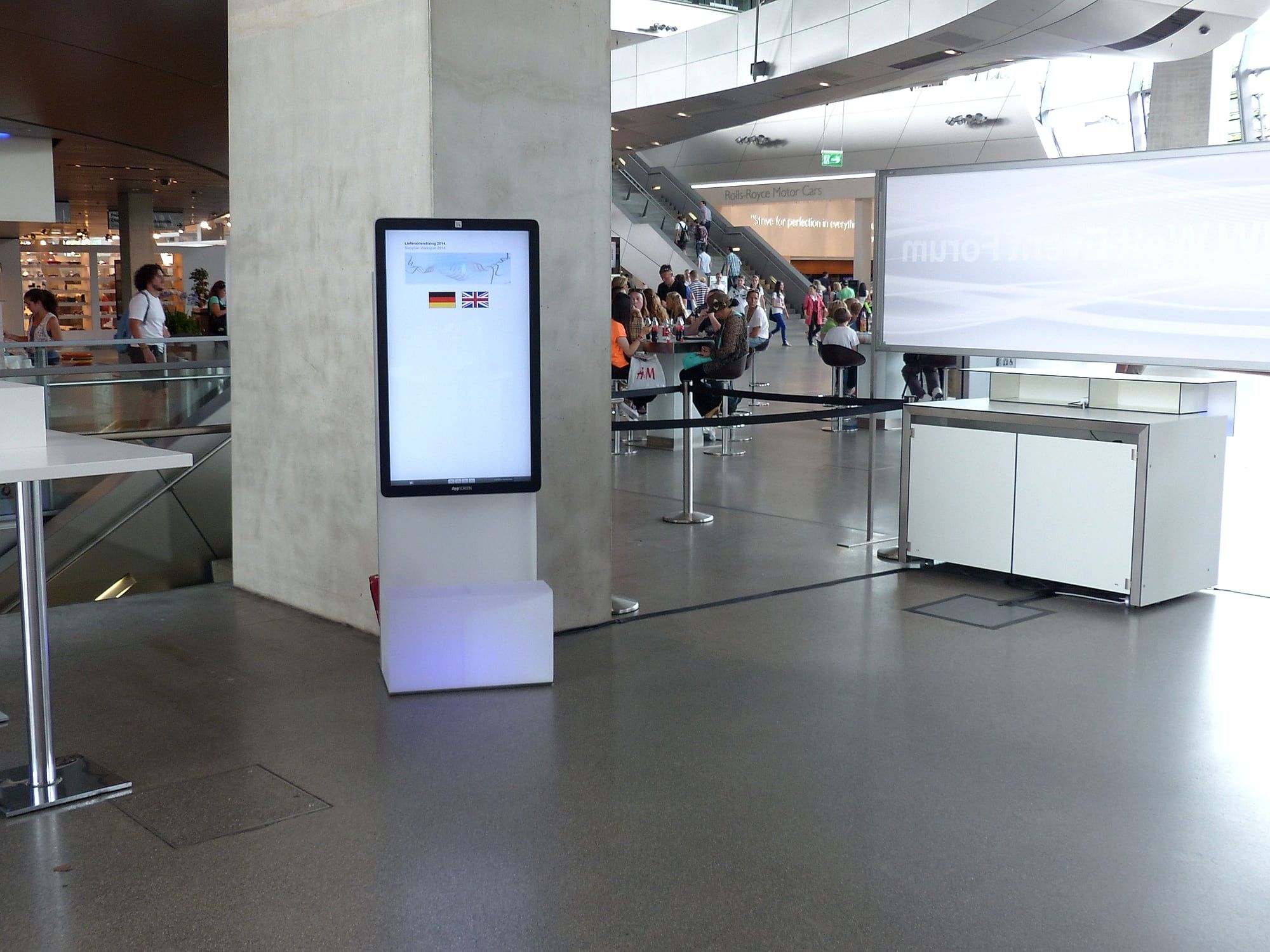
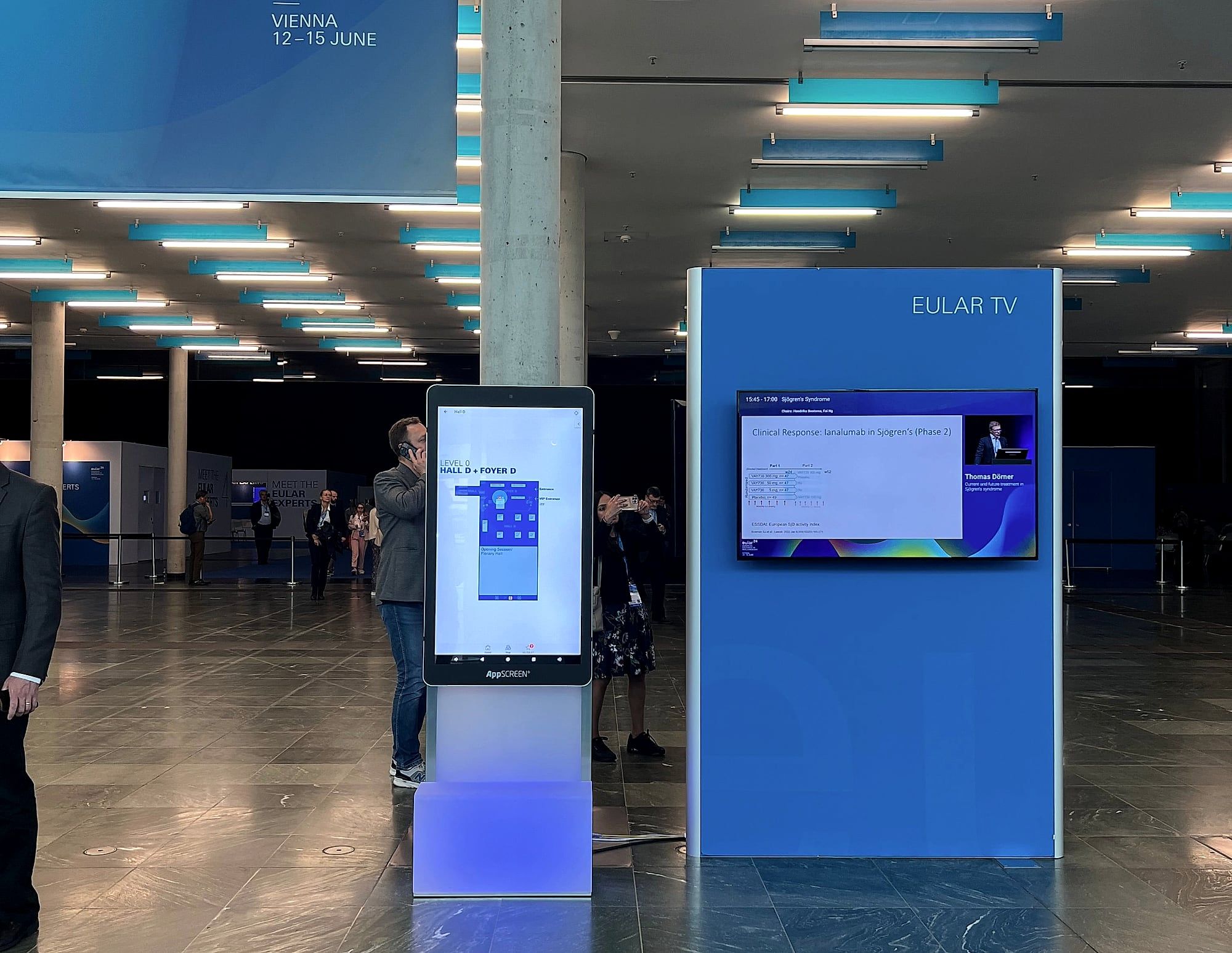
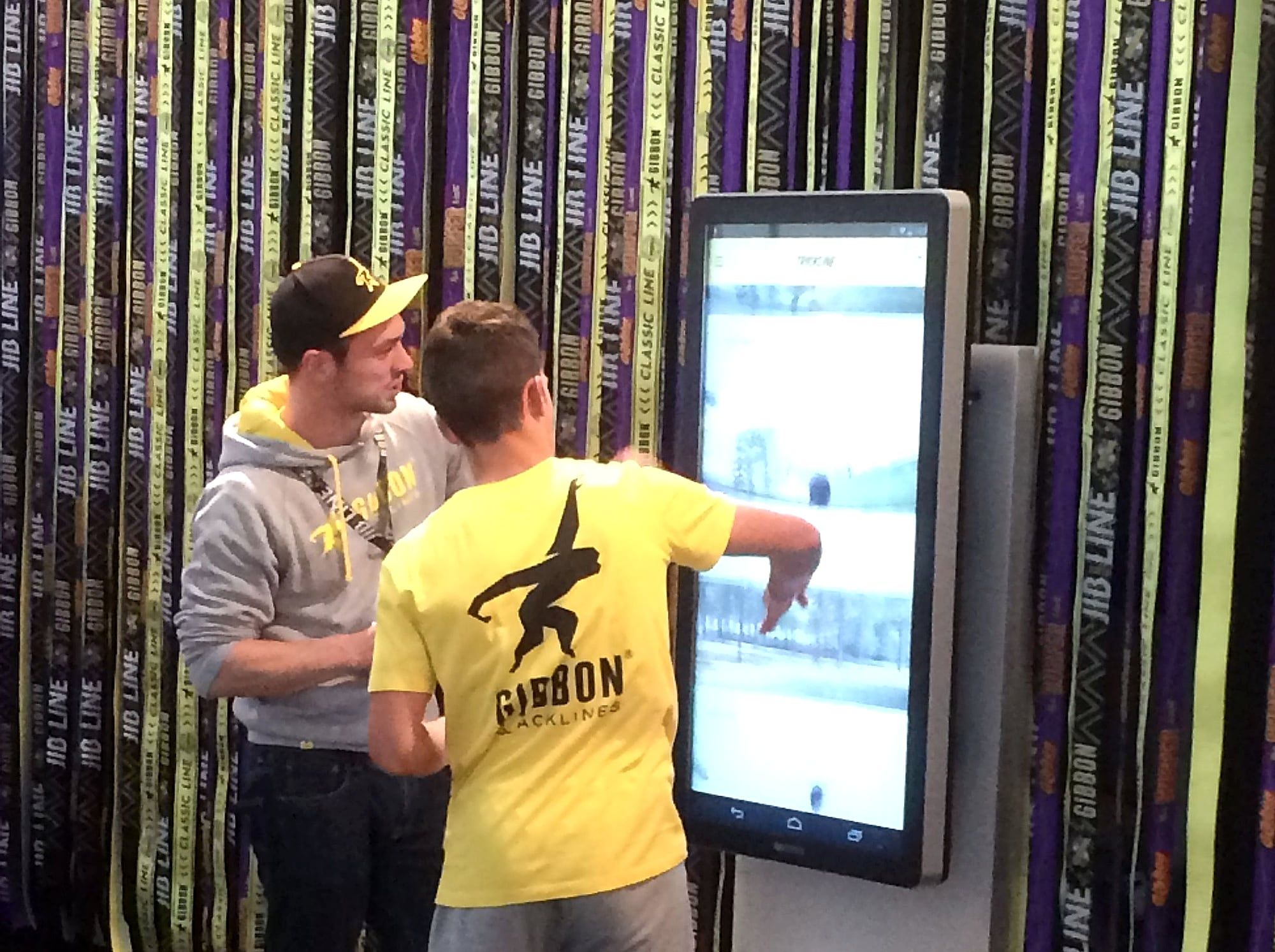
A media station in a museum is a screen where visitors call up content about the exhibition themselves: texts, images, films, maps or games. With a free-standing touch stele, you get a media station without any exhibition construction. All it needs is a power socket and a space of 66 × 56 cm.
What does a media station do in a museum?
An object in a display case shows itself from one side. The media station next to it tells the rest: origin, context, voices of contemporary witnesses. Visitors choose for themselves how deep they want to go.
| Task | Content on the media station |
|---|---|
| Going deeper | Texts, images and films about an object |
| Orientation | Floor plan, tour, programme of the day |
| Taking part | Quiz, vote, game for children |
| Multiple languages | Language selection on the start screen |
| Shop and tickets | Range to browse, information on guided tours |
Where does a media station go?
- At the entrance. Visitors see what awaits them and find their way.
- In the exhibition. The station stands next to the object it explains.
- In the temporary exhibition area. Special exhibitions get their own content, the device stays the same.
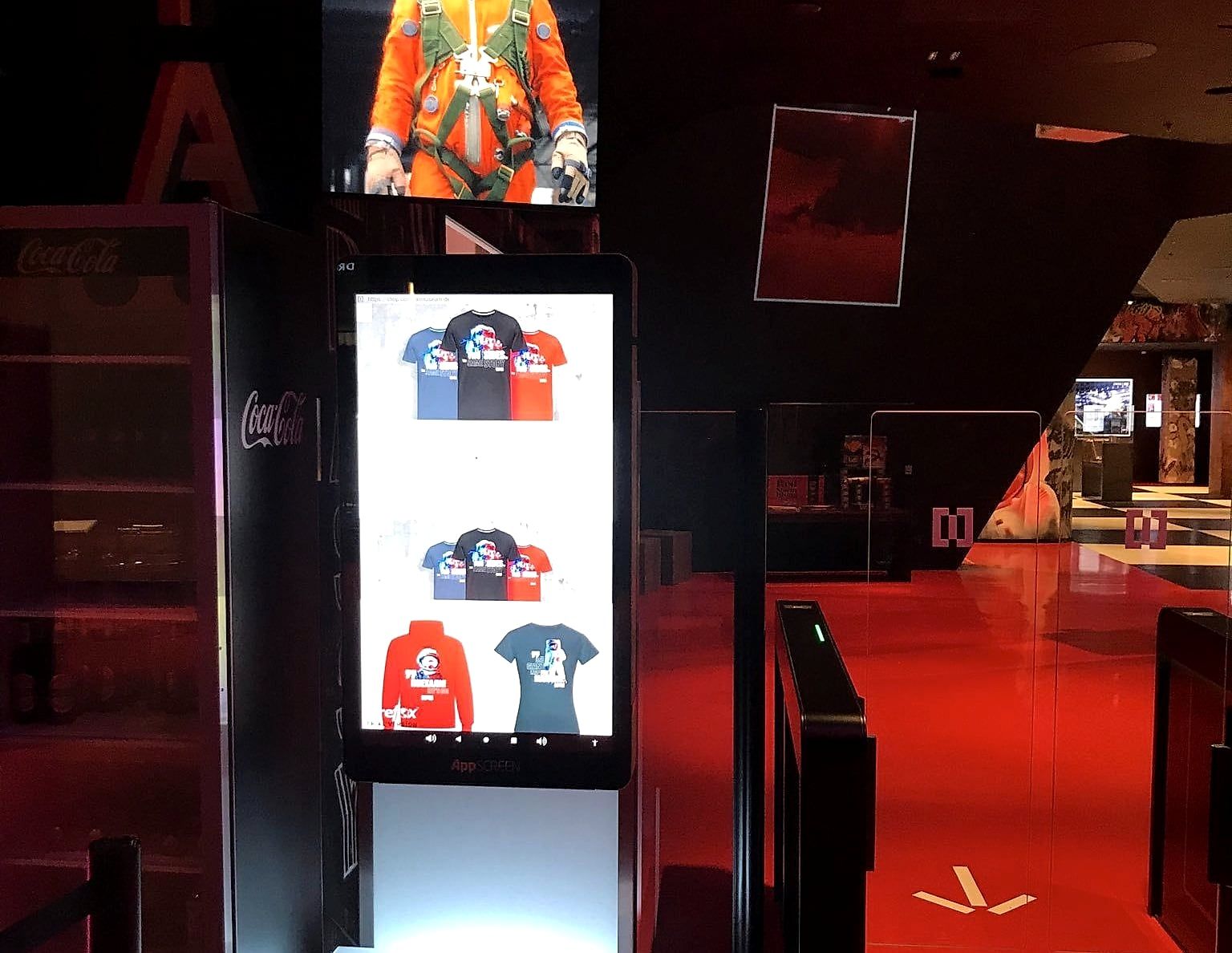
- At the shop. The screen shows the range.
In a museum in Berlin, one of our steles stood in the entrance area. The screen showed items from the shop range.
What content suits a media station?
The AppSCREEN® runs on Android 14 with Google Play. You can show what you already have:
- Your app. For example the museum app or the audio guide.
- A web application. The online collection or a dedicated page for the exhibition.
- Films. In landscape format, the stele rotates by 90 degrees.
- PDF and presentation. To browse and zoom.
On request, we build an application for your exhibition.
How does the media station become audible?
Films and eyewitness accounts need sound. The stele has two built-in speakers with 5 watts each. Where things need to stay quiet, visitors listen through headphones. You connect them via Bluetooth or by cable to the headphone jack on the back.
What matters in continuous operation?
- Kiosk mode. Visitors only see your application. Access to the system settings is locked.
- Robust surface. The screen sits behind 4 mm safety glass.
- Simple operation. The station works like a tablet: tap, swipe, zoom.
- Remote maintenance. On request, we load content remotely.
- Location. A power connection nearby, internet via Wi-Fi or LAN if the application needs it.
Stele, wall or your own monitor?
| Format | Suits you if |
|---|---|
| neo, free-standing, 46 inches | the station is to change location or there is no free wall |
| Wall, 21 to 65 inches | the station is to hang on the wall |
| CUB, mini computer | the building already has touch monitors |
For a special exhibition, you can rent the devices; for the permanent exhibition, you can buy them.
Checklist: media station in a museum
- Defined the station’s task: going deeper, orientation or taking part.
- Chosen a location with a power connection.
- Delivered the content: app, web application, film or PDF.
- Decided on the languages.
- Settled the sound: speakers or headphones.
- Set up and tested kiosk mode.
- Agreed who will update the content later.
Conclusion
A media station lets visitors choose how deep they go into a topic. With a free-standing stele, it is set up without any building work and moves on with the next exhibition.
Planning a media station? Tell us about your exhibition. We will get back to you within 24 hours.
Quick answers.
What is a media station in a museum?
A media station is a screen with content about the exhibition that visitors operate themselves: texts, images, films, maps or games.
Does a media station require any construction?
A free-standing stele needs a power socket and a space of 66 × 56 cm. No wall, plinth or built-in installation is needed.
What content runs on a media station?
Apps, web applications, films, PDFs and presentations. The station runs on Android 14 with Google Play.
Is a touchscreen suitable for continuous operation?
AppSCREEN® is an Android device with professional hardware, built for everyday use at trade shows and daily operation in showrooms.