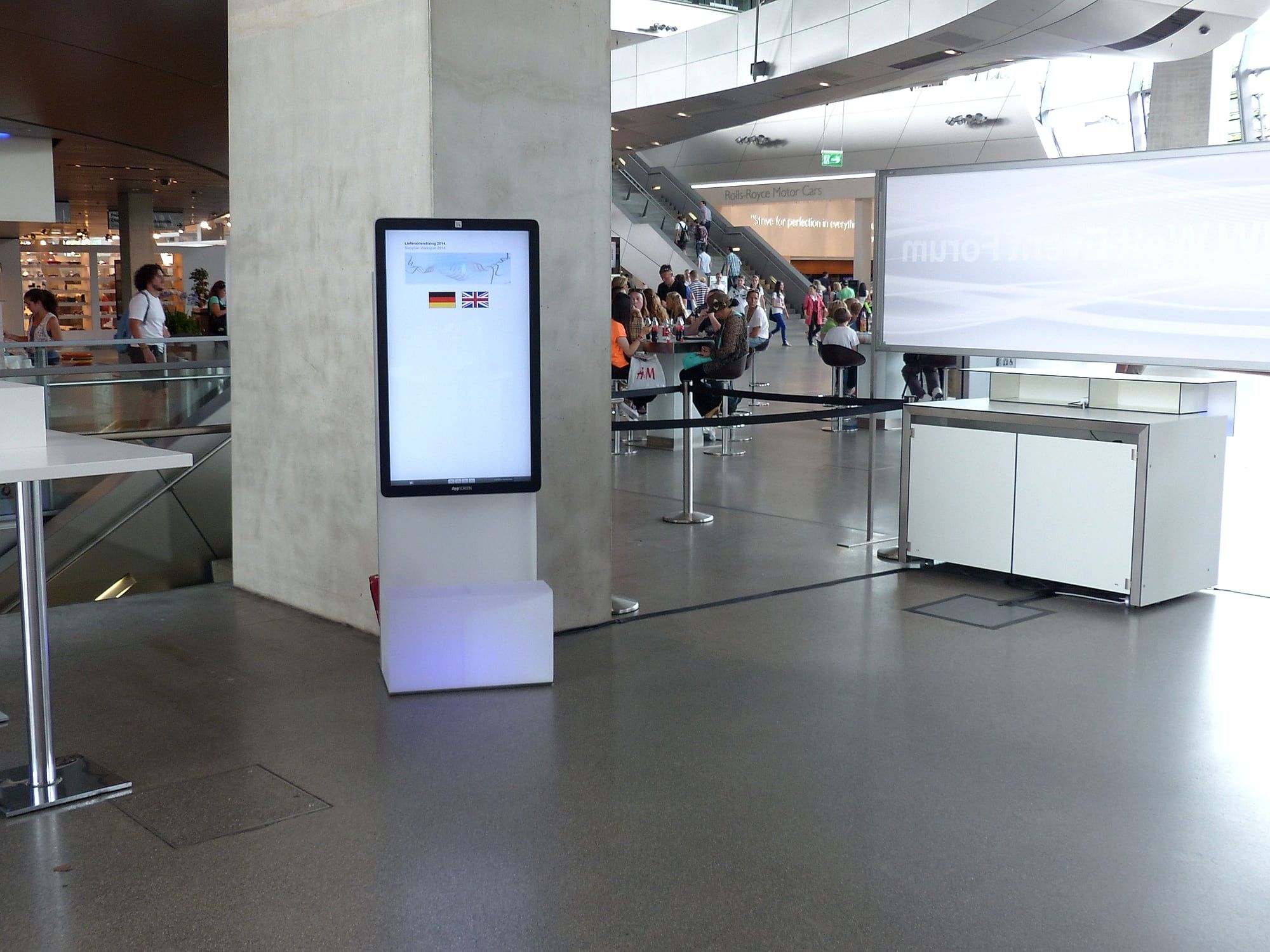
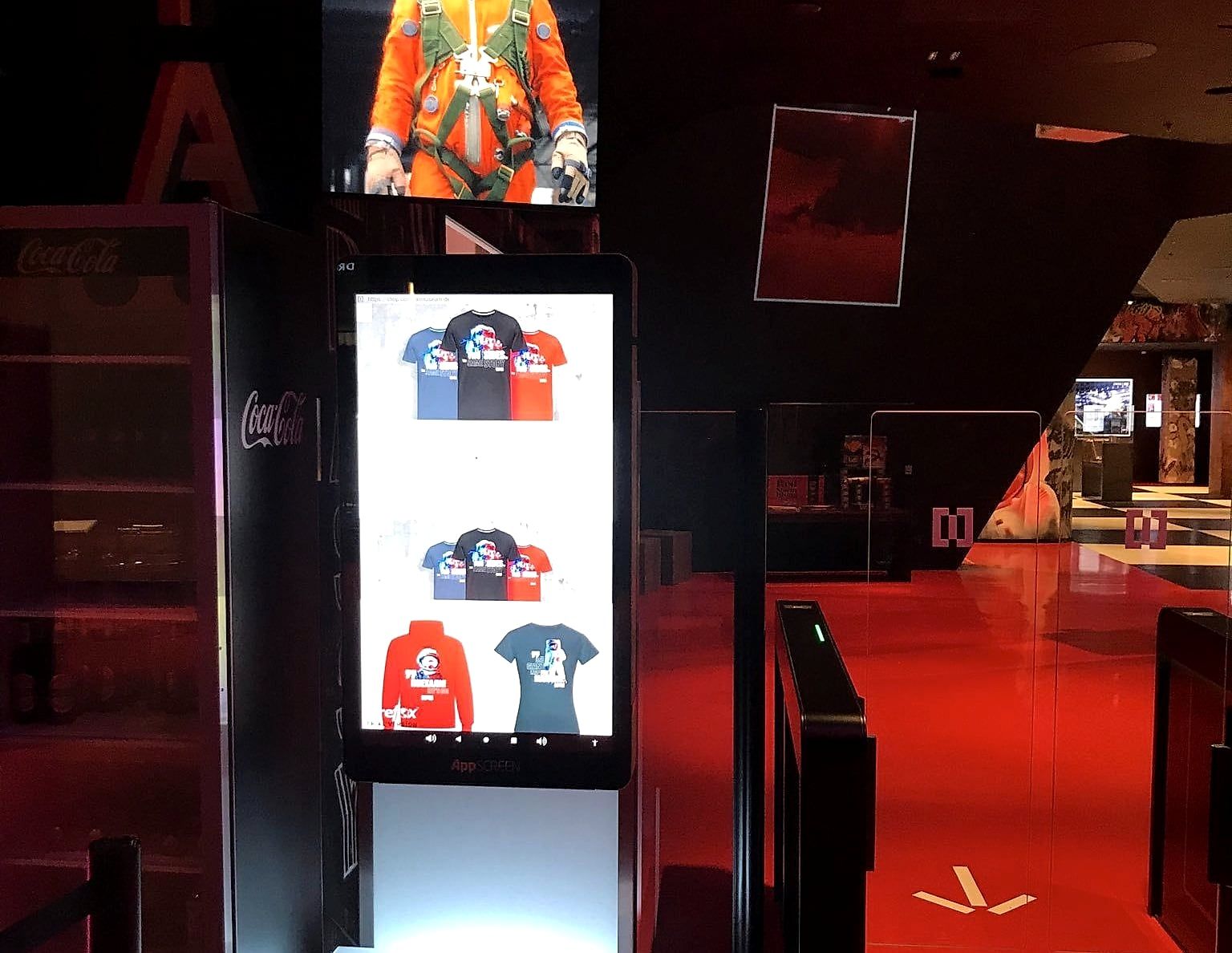
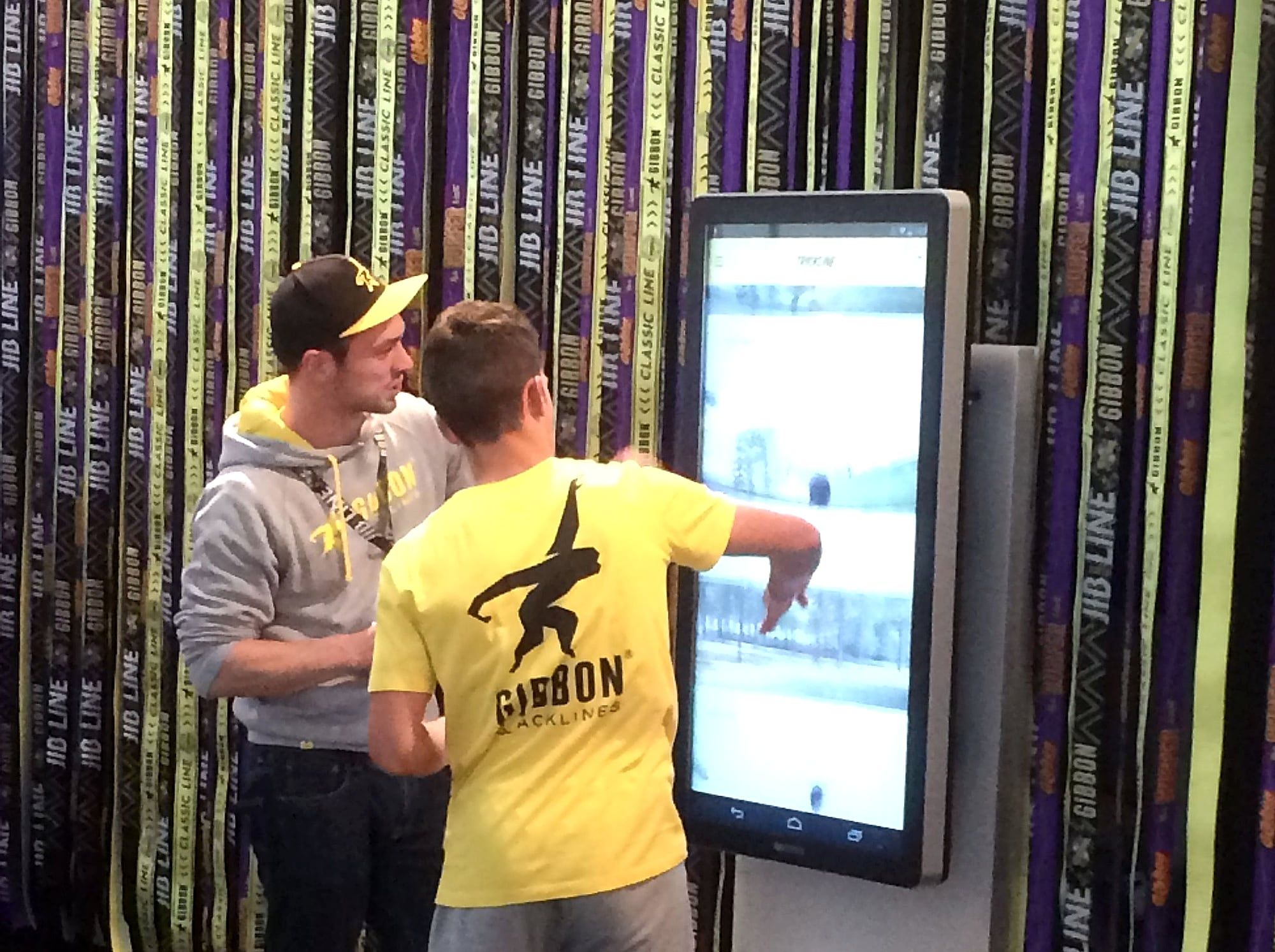
Touchscreen at conferences: digital wayfinding
Touchscreens at conferences and symposiums: digital wayfinding, programme, surveys and apps in the industry exhibition. With a checklist.
At conferences and symposiums, touchscreens take on two tasks. In the foyer, they act as a digital wayfinding system showing the floor plan, rooms and programme. In the industry exhibition, exhibitors use them to show apps, products and films and to capture contacts. This article describes both uses with examples and a checklist.
What tasks does a touchscreen have at a conference?
| Use | Who uses it | Content |
|---|---|---|
| Wayfinding in the foyer | Organiser | Floor plan, room finder, programme |
| Programme and changes | Organiser | Daily overview, rescheduled talks |
| Survey and voting | Organiser, speakers | Questions to the audience, live results |
| Booth in the industry exhibition | Exhibitors | App, product information, film |
| Lead capture | Exhibitors | Form with consent |
How does a digital wayfinding system work?
A conference is spread over many rooms, often on several levels. Participants look for their talk, the poster exhibition or an exhibitor’s booth.
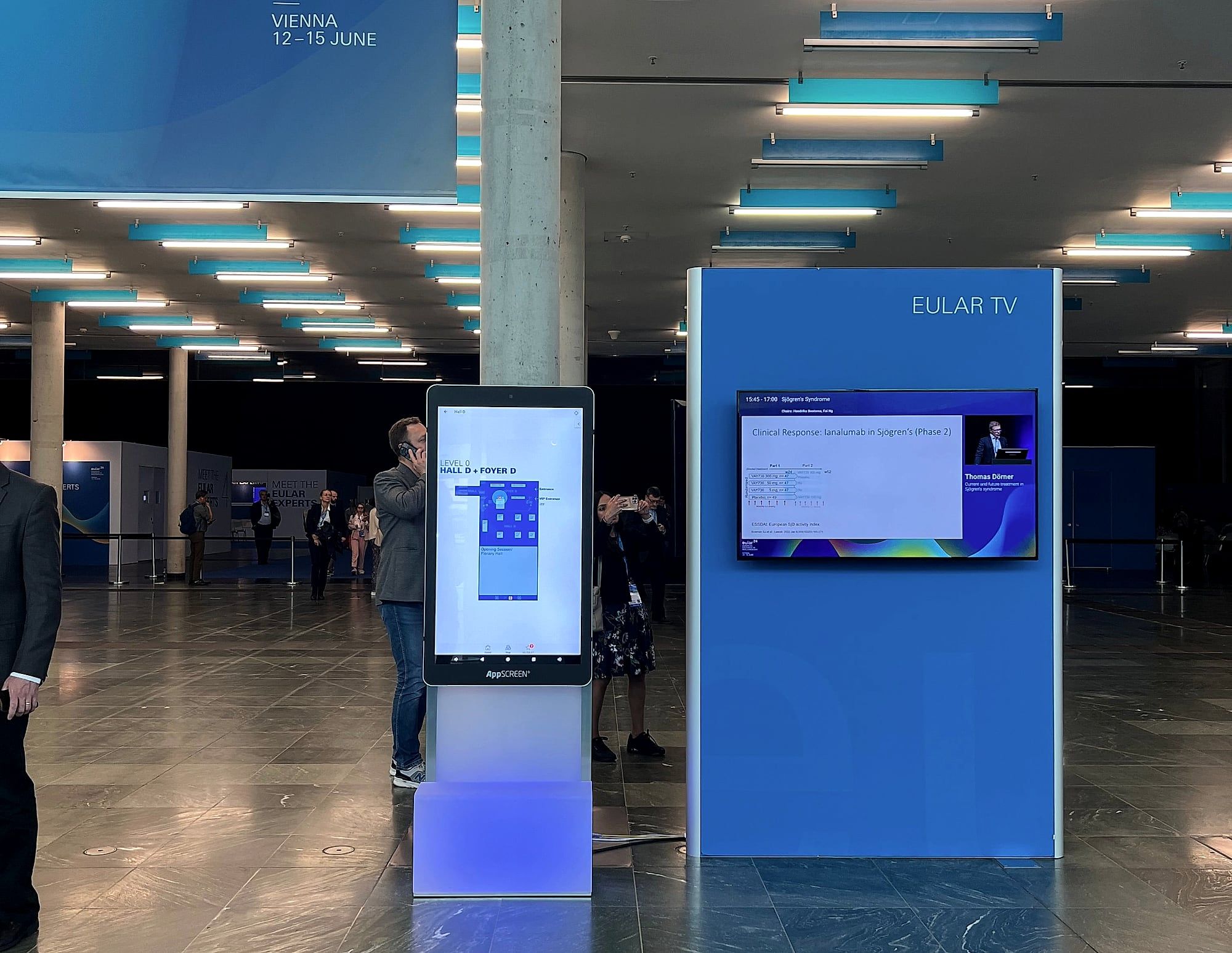
At a medical congress in Vienna, one of our steles stood in the foyer showing the floor plan. The stele is 194 cm tall and stands out in a crowded foyer.
How to do it:
- Floor plan as the start screen. With a “You are here” marker.
- Room finder. Participants tap a room or a topic.
- Programme of the day. Including any last-minute changes.
- Location. At the entrance, by stairs and by lifts.
How do exhibitors use the touchscreen in the industry exhibition?
Between two talks, there is often little time for the industry exhibition. A screen that is visible from the aisle draws participants to the booth.
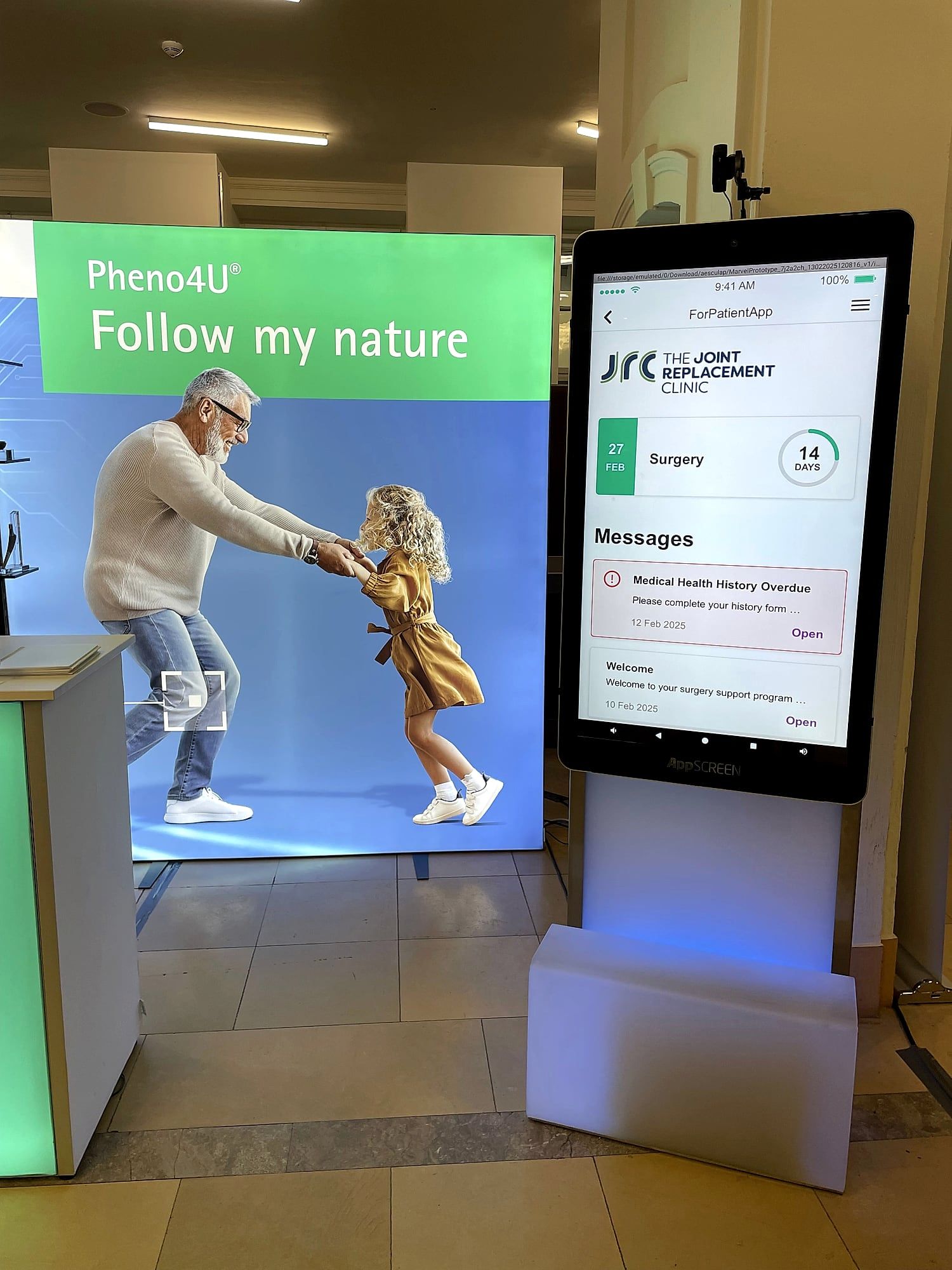
At a conference booth in Berlin, two of our steles ran a patient app. The app ran in large format, visible from the aisle.
What runs at the booth:
- The app. In the same version as on the phone. More on this in the article App showcasing on a giant tablet.
- Product information. As a PDF to browse or as a film.
- Lead capture. Visitors sign up themselves. The article Capture leads at trade shows digitally describes the process.
How do surveys and votes work?
A question appears on the screen, participants tap their answer, and the result grows live. This works in the foyer, at the booth or on stage.
What do you need to consider on the technical side?
- Power. Each stele needs a standard power socket.
- Internet. Via Wi-Fi or LAN if the application needs it. The device has Wi-Fi 6 and Gigabit LAN.
- Sound. Two built-in speakers with 5 watts each, plus headphones via Bluetooth or jack.
- Kiosk mode. Participants only see your application.
- Orientation. Portrait for the floor plan and apps, landscape for films. The stele rotates by 90 degrees.
How does renting work for a conference?
You give us the date, venue and content. We set up the devices and test them. They travel by freight in a roll case to the conference centre. Two people set up a stele in under three minutes. After the conference, we collect everything again. All the steps are on the Rent page.
For the booth, the neo works as a free-standing stele. For walls and enclosed booths, there is the Wall.
Checklist: touchscreen at a conference
- Defined the use: wayfinding, programme, survey or booth.
- Chosen the locations: entrance, stairs, lifts, booth.
- Delivered the content: floor plan, programme, app or PDF.
- Ordered power and internet from the conference centre.
- Agreed who loads programme changes.
- Coordinated delivery and collection with the conference centre.
Conclusion
At a conference, a touchscreen guides participants through the building and gets exhibitors talking. Both uses need the same device, a spot with power and content that people understand in seconds.
Planning a conference or a booth in the industry exhibition? Tell us the date and venue. We will get back to you within 24 hours.
Photos from the event
Quick answers.
What is a digital wayfinding system for conferences?
A digital wayfinding system shows participants the way on screens: floor plan, rooms, programme and changes. On a touchscreen, participants look up their room themselves.
What do exhibitors use a touchscreen for in the industry exhibition?
For apps, product information, films and lead capture at the booth.
Can I rent the devices for a conference?
Yes. We deliver by freight in a roll case, set up the devices with your content and collect them again after the conference.
Does the conference programme run on the screen?
Yes, as an app, a web application or a PDF. The device runs on Android 14 with Google Play.