Touchscreen on an exhibition stand: stand builder's guide
Your client wants a large tablet on the exhibition stand? What stand builders check first: delivery, empty case, power cable, network, position, wall mounting.
Your client wants a large tablet on the stand, with their app running on it. For you as the stand builder that means: a device with a footprint of 66 × 56 cm and a weight of approx. 110 kg, a mains socket right next to it and a roll case that has to get to the stand and back. If the content needs internet, add a LAN connection. A laptop or media player cannot be connected.
We are AppSCREEN GmbH from Grasbrunn near Munich and rent out these devices for trade shows. Enquiries from stand builders usually arrive by email and read something like this: the client is looking for a large tablet to show their app or other content. This article sets out what to check next, before you draw the stand. The rental process and the enquiry form are on the page Touchscreen rental for trade shows.
What exactly are you putting on the stand?
The AppSCREEN® neo is a 46-inch Android tablet on a stele, with its own mainboard and its own hardware. It is operated like a smartphone.
For planning, this means:
- No media player. There is no input for a laptop or media player. The content runs on the device itself.
- Your client’s content has to fit Android. Android apps, web content, PDFs, videos and PowerPoint run without adaptation. Ask early what format the content is in.
- We need the files beforehand. If we have them in time, the device arrives ready to go, with logo, content and apps. The article Preparing content for a touchscreen sets out what we need and by when.
How an app comes across on the stele is shown in the article App showcasing at trade shows.
Where do you have it delivered?
The stele travels in a roll case by freight, also straight to the stand. If the show requires pre-registered vehicles and booked time slots for access, we prefer to deliver to your workshop or to the exhibitor. Without a dedicated vehicle, a haulier will struggle to hit a slot like that, and you have planned your access anyway.
You then bring the roll case to the show. With the stele it weighs approx. 210 kg. After the show we collect it from you or from the exhibitor.
| Delivery address | Suitable if |
|---|---|
| Stand builder | you build up with your own vehicle and planned access |
| Exhibitor | the client drives to the show and brings the case |
| Stand at the exhibition grounds | the show does not require pre-registered vehicles and booked time slots |
What happens to the empty roll case?
The case measures 210 × 70 × 70 cm. The exhibitor is responsible for the empty case. There are two usual options:
- You take the empty case away after set-up and bring it back for teardown.
- The case stays on the stand, for example in the store room. Then you draw in 210 × 70 cm of floor space for it.
Where on the stand does the large tablet belong?
Visitors see the stele as a giant phone. That makes it an eye-catcher when it can be seen from the aisle.
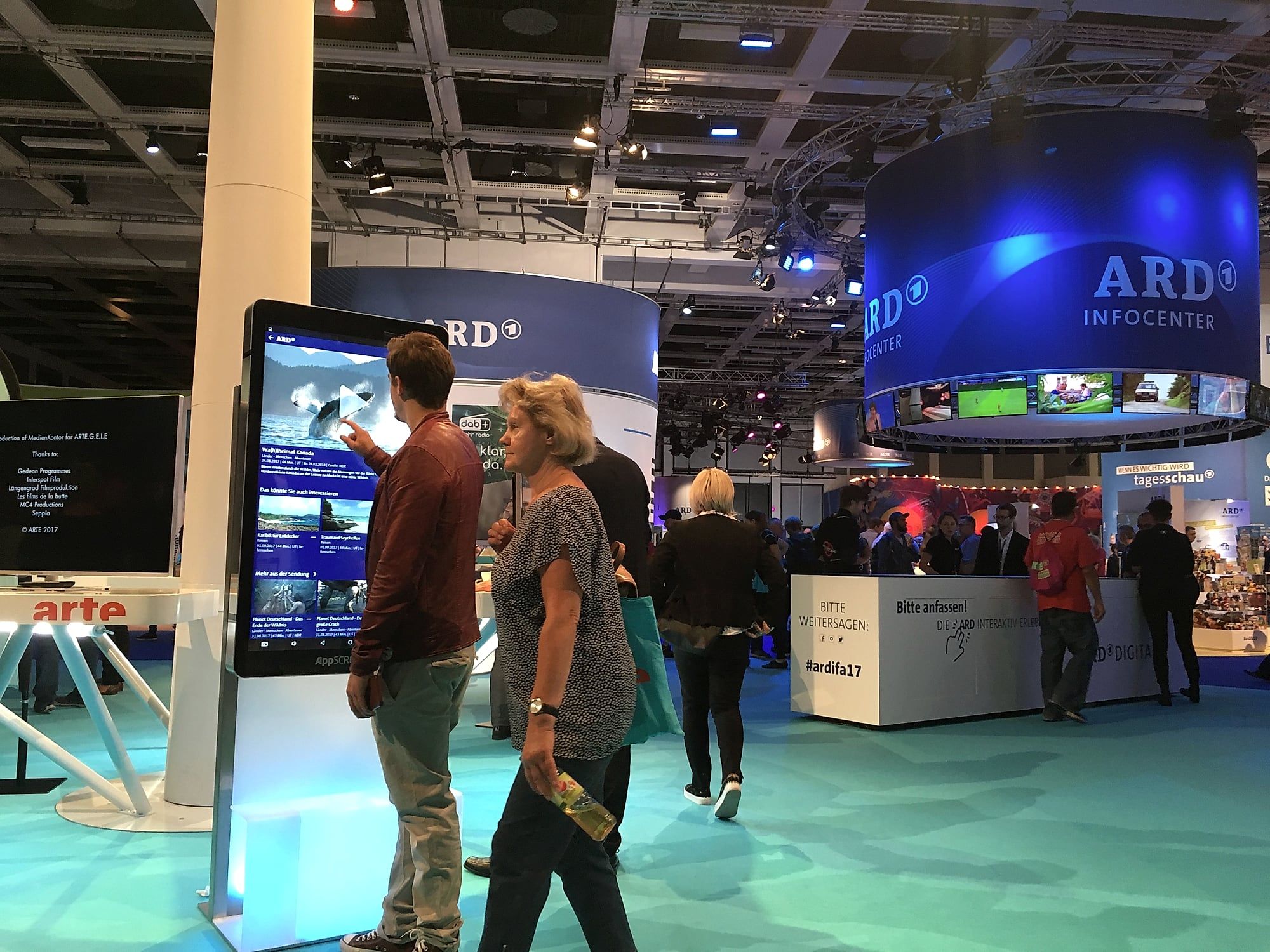
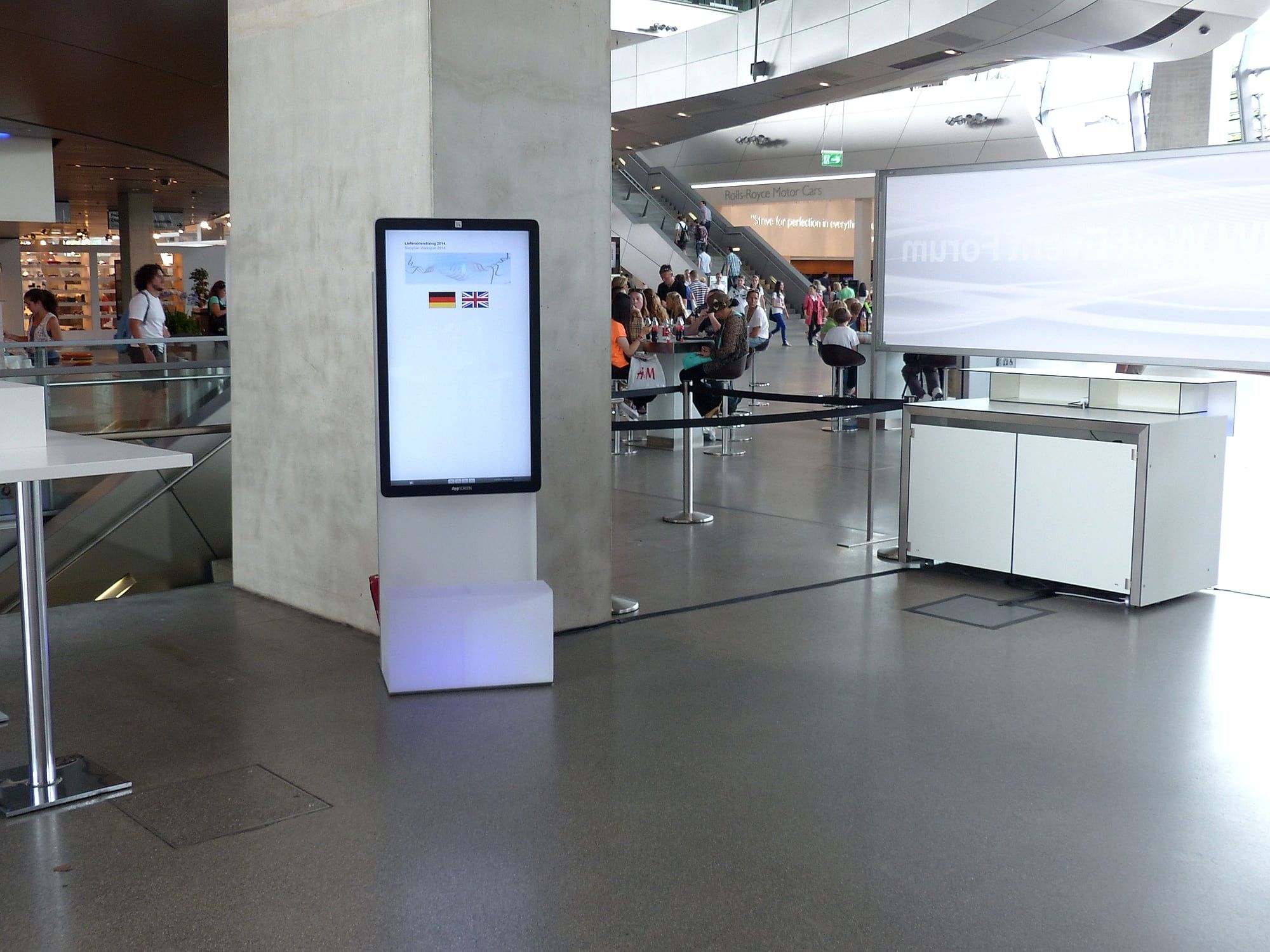
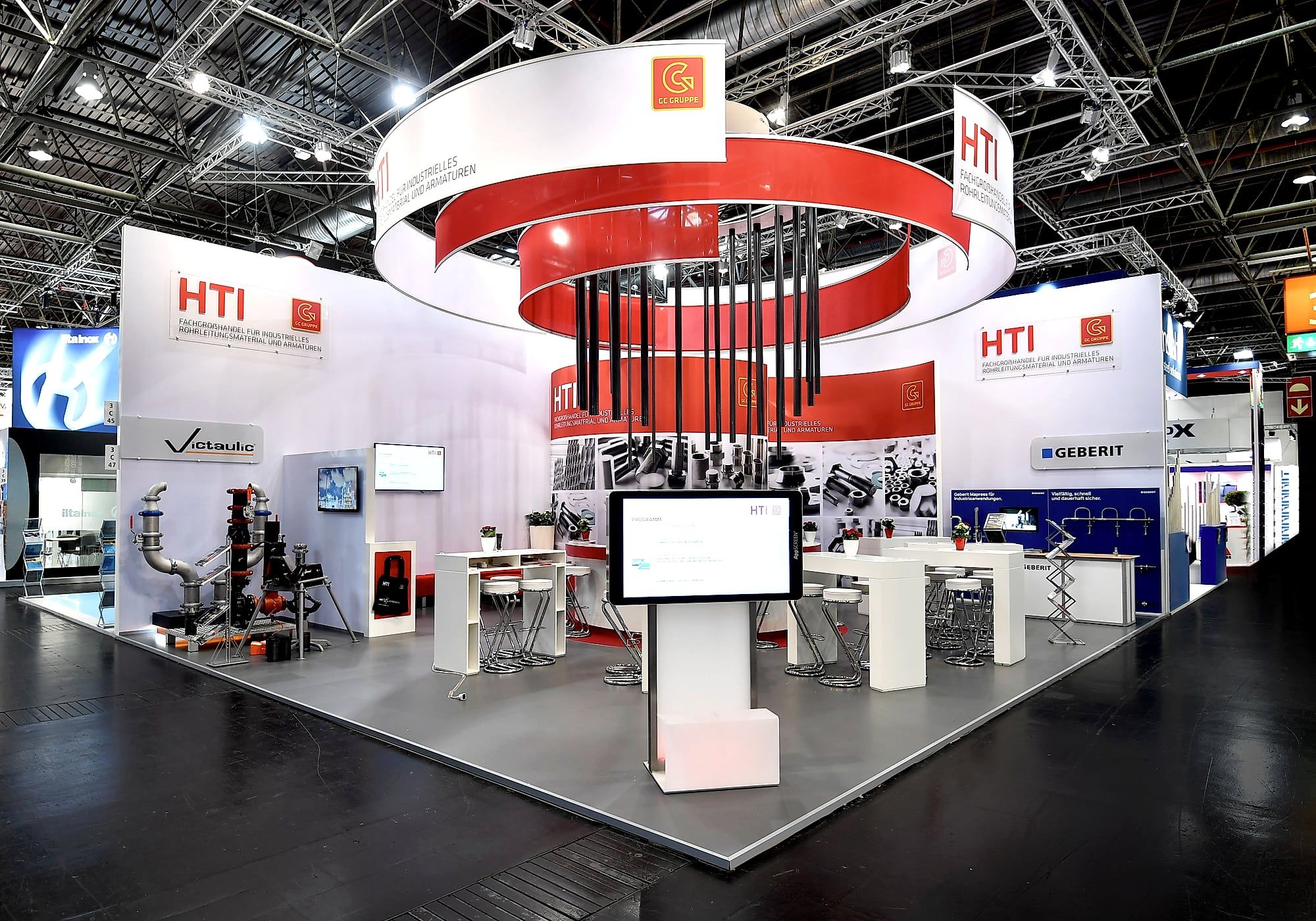
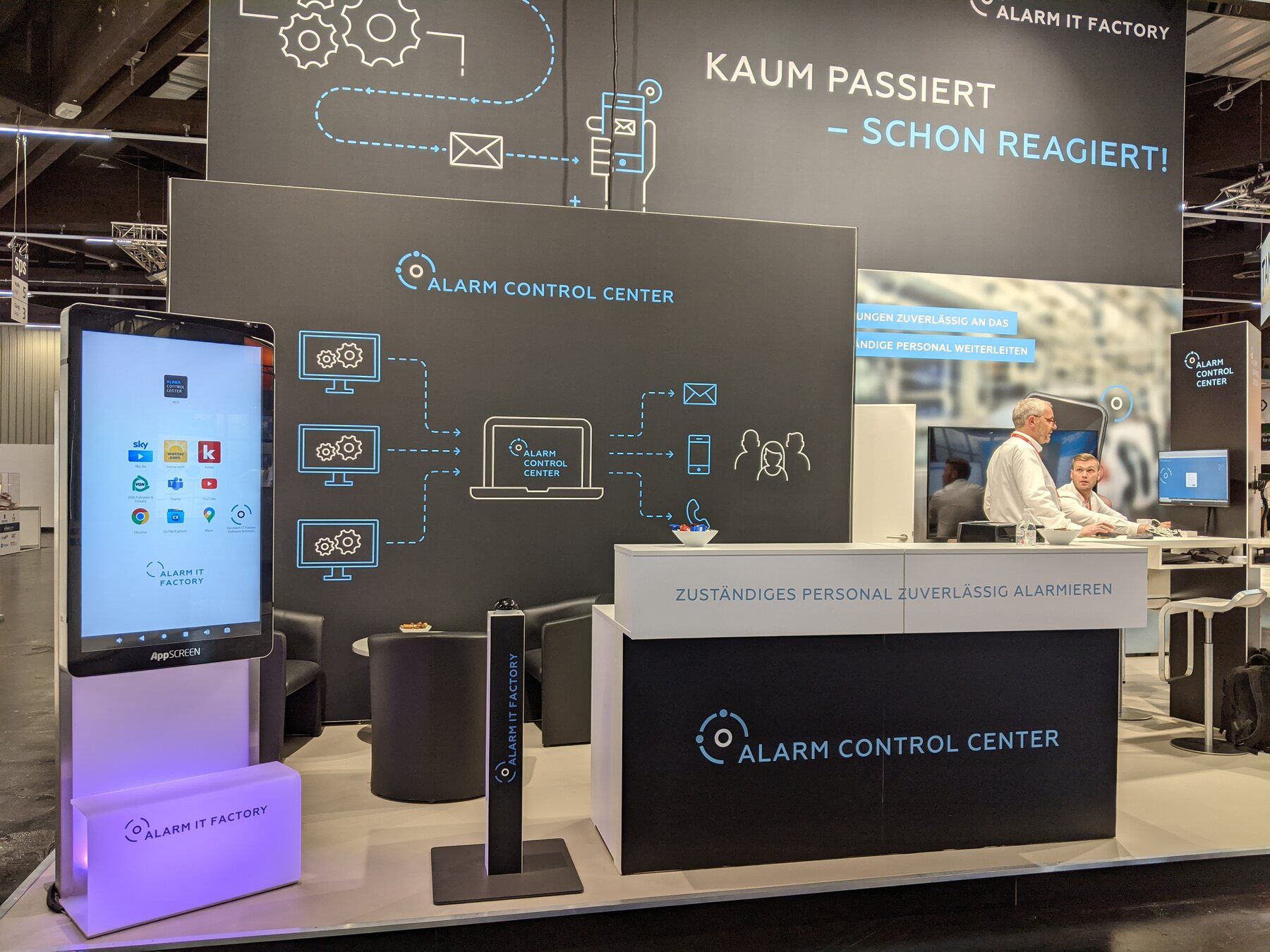
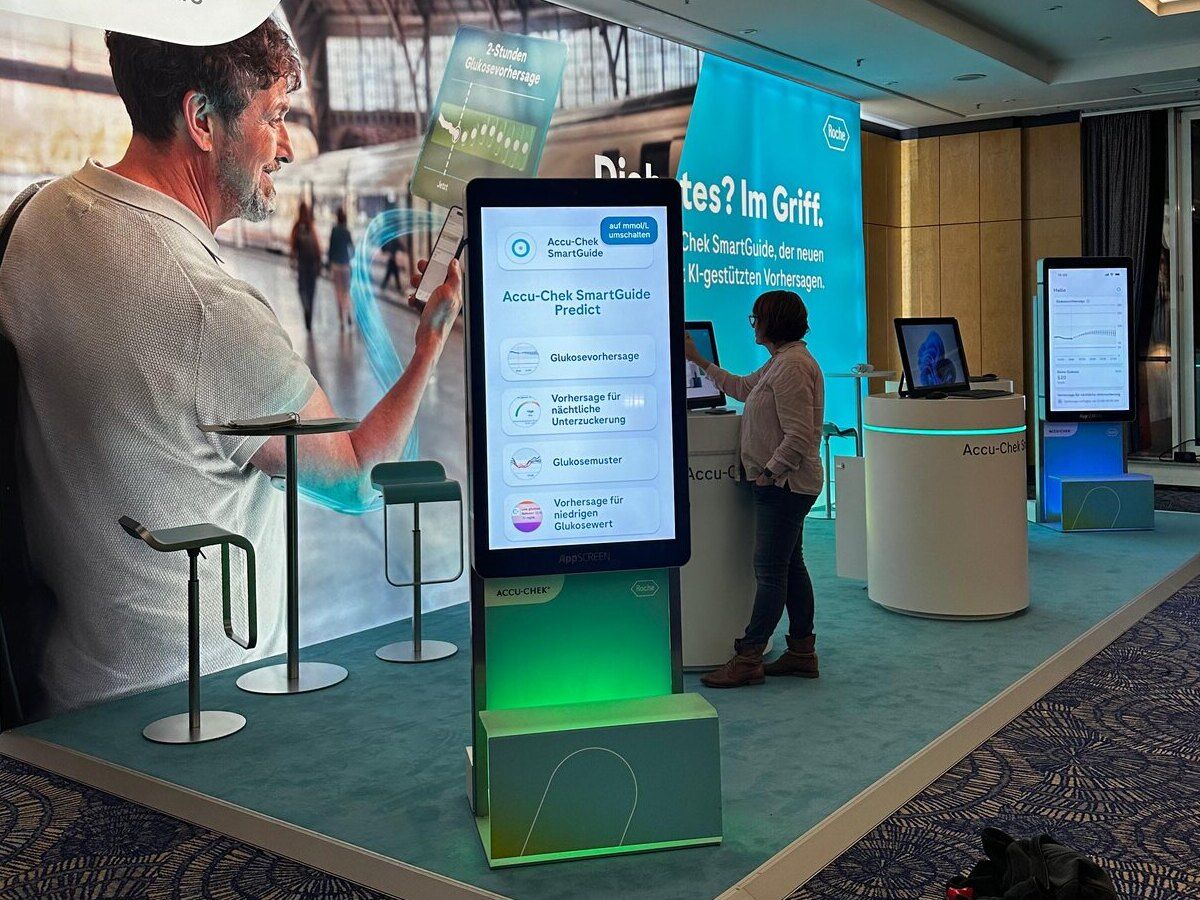
So place it in clear view by the aisle or at an open corner, and leave room for two to three people in front of it. People walking past should see the screen, be able to use it themselves and see others using it. In the photo above, the stele stands at the front corner of the stand, in landscape. The pictures at the end show two more stands: in each, the stele stands at the front edge of the platform.
The dimensions for your drawing:
| Item | Value |
|---|---|
| Base plate | 66 × 56 cm |
| Height in portrait | 194 cm |
| Height in landscape | 168 cm |
| Display outer dimensions | 66 × 119 cm |
| Weight | approx. 110 kg |
| Power | 100 to 110 W, standard mains socket |
| Mains cable | 0.5 m, leaves at the bottom of the stele |
| Network | Gigabit LAN, Wi-Fi 6 |
| Roll case | 210 × 70 × 70 cm, approx. 210 kg with the stele |
| Set-up | two people, under three minutes, no tools |
The stele stands firmly on any floor: hall floor, carpet, platform or raised floor. With a platform or raised floor, allow for the approx. 110 kg at that spot. The set-up is shown in the set-up and teardown film of the stele.
What do you do with the power cable?
The cable leaves at the bottom of the stele and is 0.5 m long. It cannot be hidden on the device. You have three options:
- Raised floor or platform: The cable runs sideways into the floor right next to the stele. Plan the power connection in the floor at that spot.
- Stele by a wall: It is a short run to the wall socket.
- Cable ramp: If the stele is free-standing and there is no raised floor, a cable ramp leads to the device.
The short cable helps here: you do not have to coil up much cable behind the stele.
Hall Wi-Fi or your own connection?
We always recommend a dedicated LAN connection. At a busy show the hall Wi-Fi is often too weak. If your client’s content needs a lot of internet, it then loads slowly.
So ask your client whether their content needs internet and, if it does, order a LAN connection for the stand.
And if the screen should go into the wall?
That is what the AppSCREEN® Wall, our touch display for the wall is for. It comes from 21 to 65 inches in portrait or landscape and is also built into stand walls.
You need a reinforced wall at that spot, to which we fix our wall bracket. The bracket is included in the rental. Agree size and format with us beforehand. We give you the display data for each size on request.
Checklist for your stand planning
- Content clarified: runs on Android as an app, web content, PDF, video or PowerPoint.
- Delivery address fixed: to you, to the exhibitor or straight to the stand.
- Space for the empty roll case planned, or its removal arranged.
- Position drawn in clear view by the aisle, 66 × 56 cm, with room in front.
- In landscape, 119 cm of width allowed for.
- Socket right at the position, cable route chosen: floor, wall or cable ramp.
- LAN connection ordered if the content needs internet.
- With a platform or raised floor, approx. 110 kg at that spot allowed for.
- For the Wall: reinforced wall at that spot, size and format agreed with us.
- Two people assigned for set-up.
- Client’s files sent to us in time.
Once you have these points together, all we need for the quote is the dates, the delivery location and the content. You send the enquiry on the page Rent a touch stele or touchscreen. Ideas for what can happen on the screen are in the article Small trade show booth ideas.
Photos from the event
Quick answers.
Can I connect a laptop or media player to the touch stele?
No. The AppSCREEN® neo is a self-contained Android tablet with its own hardware. The content runs on the device itself: as an app, website, PDF, video or PowerPoint.
Where is a large tablet for a trade show delivered?
We deliver straight to the stand. If the show requires pre-registered vehicles and booked time slots, we prefer to deliver to the stand builder or the exhibitor, who brings the roll case to the show.
Where does the empty roll case stay during the show?
The exhibitor is responsible for the empty case. Either the stand builder takes it away, or it stays on the stand, for example in the store room. It measures 210 × 70 × 70 cm.
Where does the power cable leave the stele?
At the bottom of the stele. It is 0.5 m long and cannot be hidden on the device. With a raised floor or platform it runs sideways into the floor; otherwise the stele stands by a wall or gets a cable ramp.
Wi-Fi or LAN for the large tablet on the exhibition stand?
We recommend a dedicated LAN connection. At a busy show the hall Wi-Fi is often too weak, and content that needs a lot of internet then loads slowly. The stele has Gigabit LAN.
Can a touch display be built into the stand wall?
Yes. The AppSCREEN® Wall hangs on our wall bracket. For that you need a reinforced wall at that spot. It comes from 21 to 65 inches, in portrait or landscape.